Type “best SEO books” into Google and you’ll get a dozen lists recommending titles like ‘Entity SEO’, ‘Link building mastery’, ‘The art of SEO’ and so much more.
These are all great books, but for a business owner trying to learn simple SEO DIYs, multiple recommendations can get confusing. Not knowing what SEO books are more of technical manuals aimed at web developers and enterprise SEO specialists than books for entrepreneurs.
Great SEO books, but wrong audience.
As a small business owner, your goal isn’t to become an SEO engineer. Your goal is to understand SEO well enough to make smart decisions whether you’re writing your own blog posts, hiring someone to do it for you, or deciding whether to invest in a course or an agency.
That’s a different skill set. And it calls for different books.
The SEO books in this list focus on strategy over syntax, brand growth over backend code, and results you can actually apply without a developer on speed dial. A few are well-known; one is written specifically for brand owners by an SEO strategist who works with small businesses daily.
What to look for in an SEO book (if you’re not a developer) Plain-language explanations of search intent, keyword research, and on-page optimization without chapters on crawl budget allocation or log file analysis. If the first chapter talks about robots.txt and canonical tags, it’s not the right starting point.
How to Pick the Right SEO Book Based on Your Stage
Not every book belongs at every stage. Here’s a quick guide:
Just Starting Out
You Have a Blog but No Strategy
Ready to Scale Content
You need a book that explains what SEO actually is, why it matters for your business, and what to do first. Skip anything that jumps straight into tools.
You’re already publishing, but posts aren’t ranking. You need a book that covers keyword research, search intent, and content structure not just “write more.”
You’ve got traction. Now you need topical authority, internal linking strategy, and a plan for consistent content production. Look for books that go beyond basics.
Just Starting Out
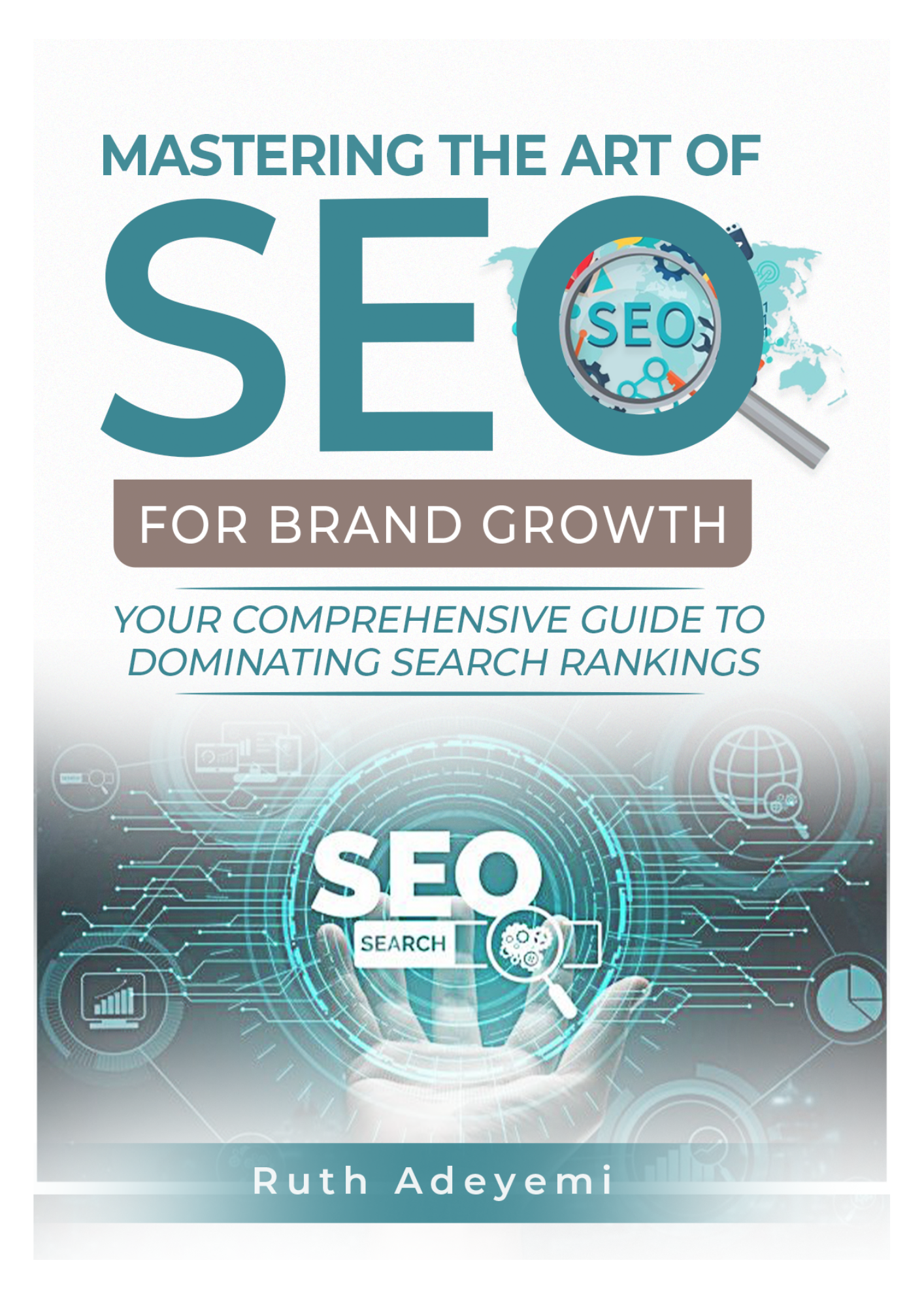
Start with a book written for business owners, not agencies. You want something that connects SEO directly to revenue, not something that spends three chapters on crawl depth. Mastering the Art of SEO for Brand Growth is the right fit here.
You’ve Got a Blog but No Strategy
If you’re already publishing but aren’t ranking, the issue is almost always strategy, not effort. At this stage, you need clarity on keyword intent, content structure, and why Google isn’t picking up your posts.
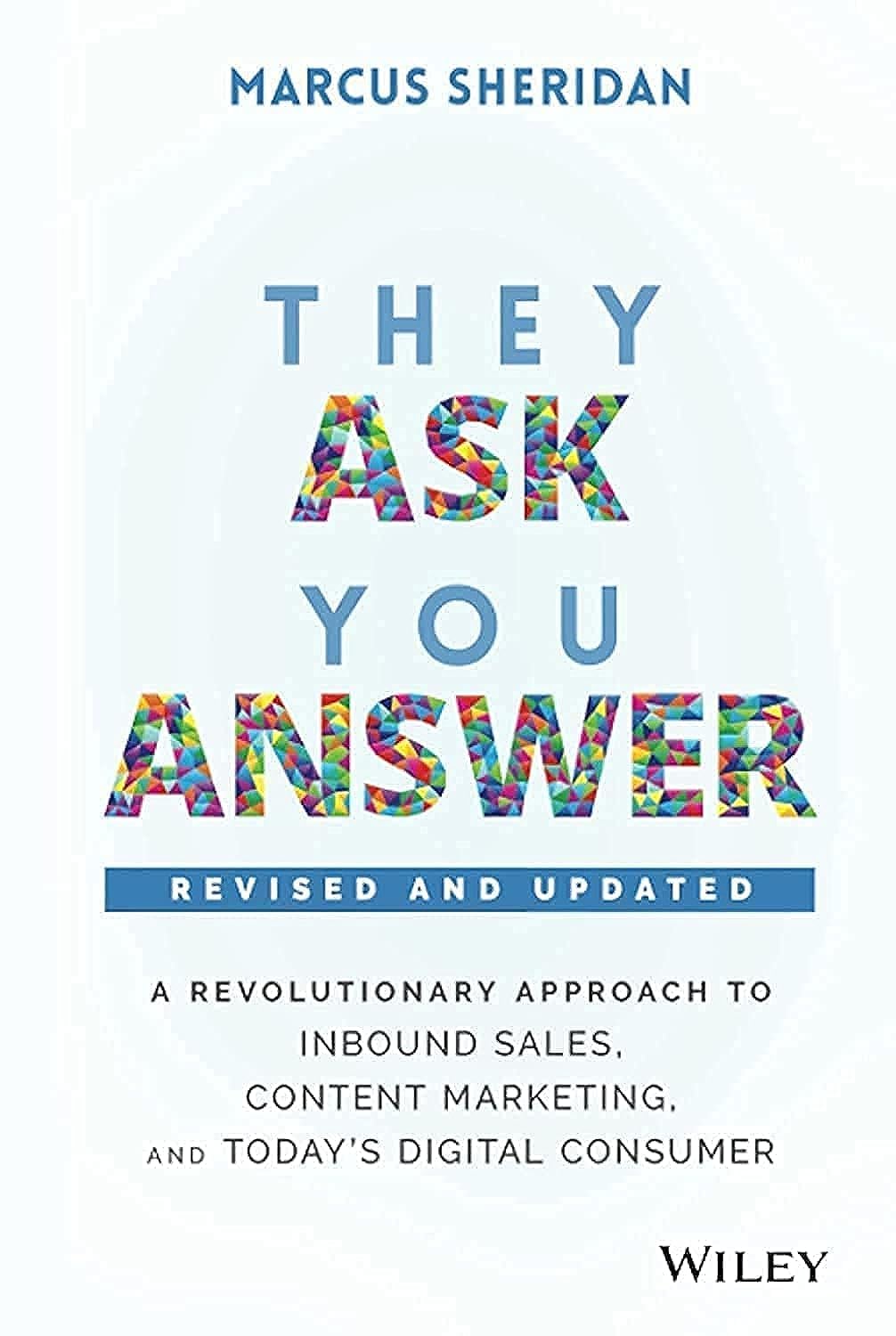
SARMLife’s Content SEO Made Easy course covers this practically, but if you prefer self-paced reading first, They Ask, You Answer by Marcus Sheridan is a strong complement to any SEO book.
You’re Ready to Scale Content
Scaling content means building topical authority: creating enough interconnected content that Google sees your site as the go-to source in your niche.
At this stage, the SEO for Business Owners course is likely more valuable than another book. But pairing a strong content strategy book with hands-on implementation is the fastest path forward.
The Best SEO Books for Small Business Owners in 2026
These picks are chosen for one reason: they respect your time and don’t assume you have a dev team.
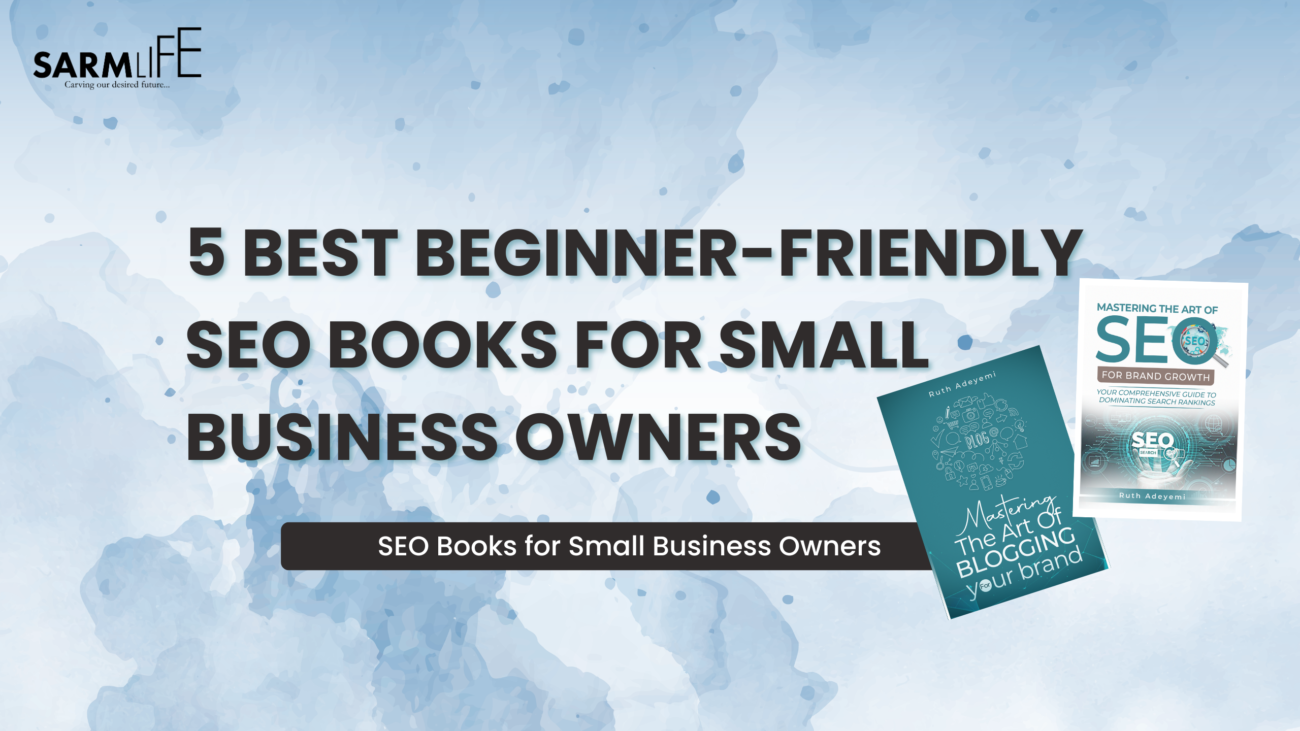
This book is written specifically for brand owners, bloggers, and service-based businesses and not SEO agencies.
It starts where you actually are: figuring out which keywords matter, how to structure content so Google understands it, and how to measure whether any of it is working.
It covers keyword research and content planning, on-page optimization, image SEO, voice search, advanced techniques for when you’re ready, and analytics without the overwhelm.
No coding. No fluff.
Honest take: This isn’t a neutral recommendation; it’s written by the same team behind this post. But if you’re a small business owner who’s tried other SEO books and bounced off the technical density, this one was built for exactly that gap. The positioning is brand-first, not developer-first.
Best for: Brand owners starting from scratch or stuck mid-journey
Not technically an “SEO book” per se, but it’s one of the most useful books you can read if you’re a small business owner trying to use content to grow. Sheridan built his pool company out of recession debt by answering customer questions honestly online. The result was massive organic traffic and revenue.
The framework is simple: your customers are already asking questions. Answer them better than anyone else on your topic, and search engines will reward you for it.
It’s the mindset shift that makes everything else, including keyword research, topic clusters, and content calendars click into place.
Best for: Business owners who need a reason to start before they learn the tactics
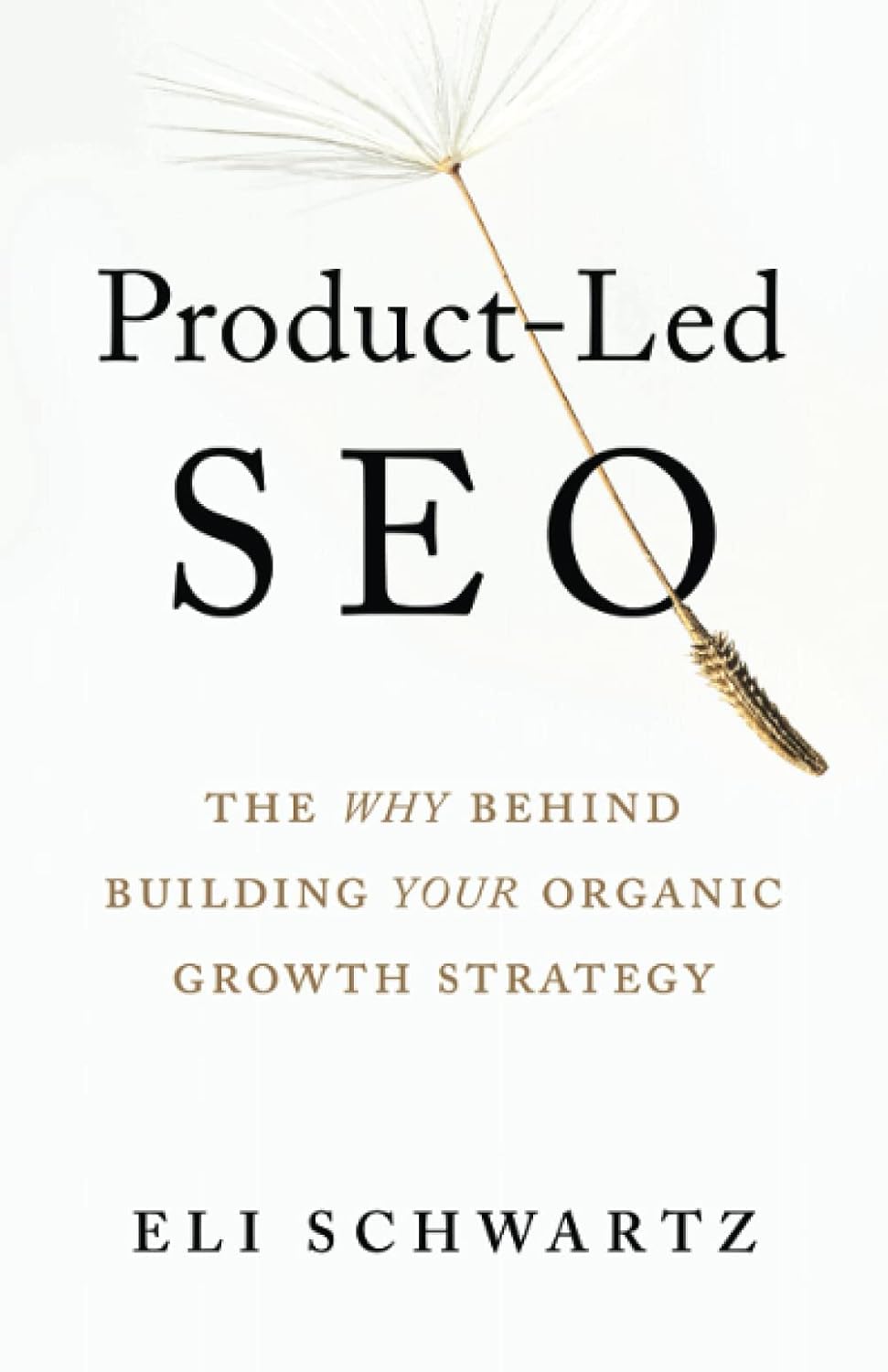
This one is for when you’re past the basics and asking bigger questions: How do I build an SEO strategy that actually ties to business goals? How do I think about SEO as a growth lever, not just a content chore?
Schwartz is a former SurveyMonkey growth lead, and the book reflects that lens (strategy over tactics, intent over keyword stuffing). It’s readable, clearly structured, and respects your intelligence without demanding technical depth. Best for business owners who are already doing SEO and want to think bigger.
Best for: Business owners with existing content who want a strategic framework
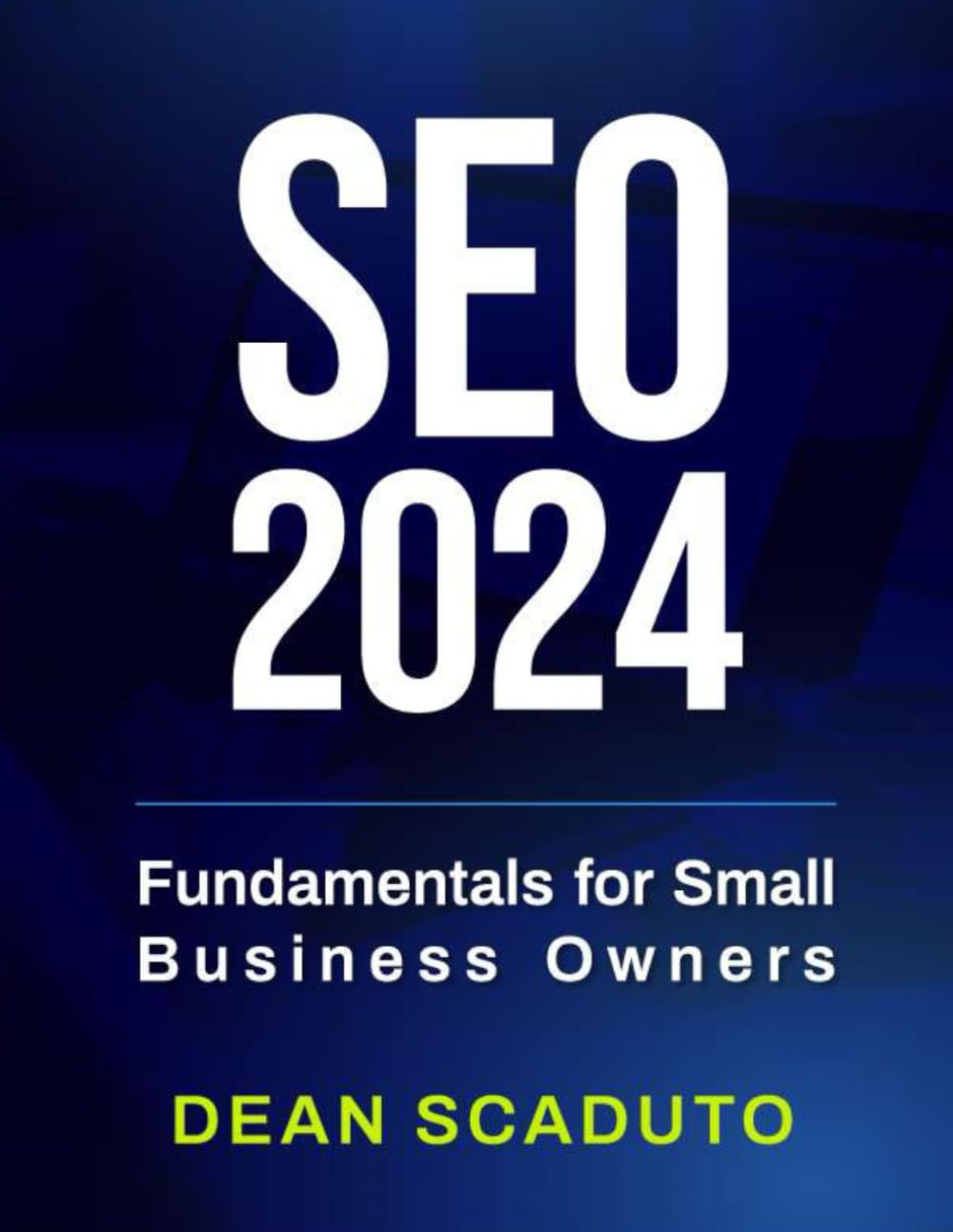
Written by Forbes NEXT 1000 entrepreneur Dean Scaduto, this book is one of the most accessible entry points for business owners who have heard “you need SEO” a hundred times but still aren’t sure what to actually do about it.
It’s concise and focuses on the fundamentals that apply whether you’re a dog groomer, a consultant, or a local service business.
Readers consistently praise it for getting to the point fast.
It won’t make you an SEO expert, but it will give you a clear enough foundation to ask better questions, understand what your agency is doing, or take your first real optimization steps yourself.
Best for:Complete beginners who want a fast, jargon-free SEO foundation
By Eric Enge, Stephan Spencer & Jessie Stricchiola — O’Reilly, 4th Edition
This is the book that almost every “best SEO books” list puts at #1 and it earns that reputation.
At nearly 1,000 pages, it’s the most comprehensive SEO reference available, covering everything from crawling and indexing to algorithm updates, advanced link building, analytics, and now generative AI’s role in SEO.
It’s included here with one clear caveat: this is not a beginner’s book.
For most small business owners, it functions better as a reference than a cover-to-cover read. If you’ve worked through a foundational book and want to go deeper on a specific area like technical SEO, content strategy, competitive analysis, this is the book to consult.
If you’re just starting out, start elsewhere.
Best for: Business owners who already have SEO basics and want a comprehensive expert-level reference
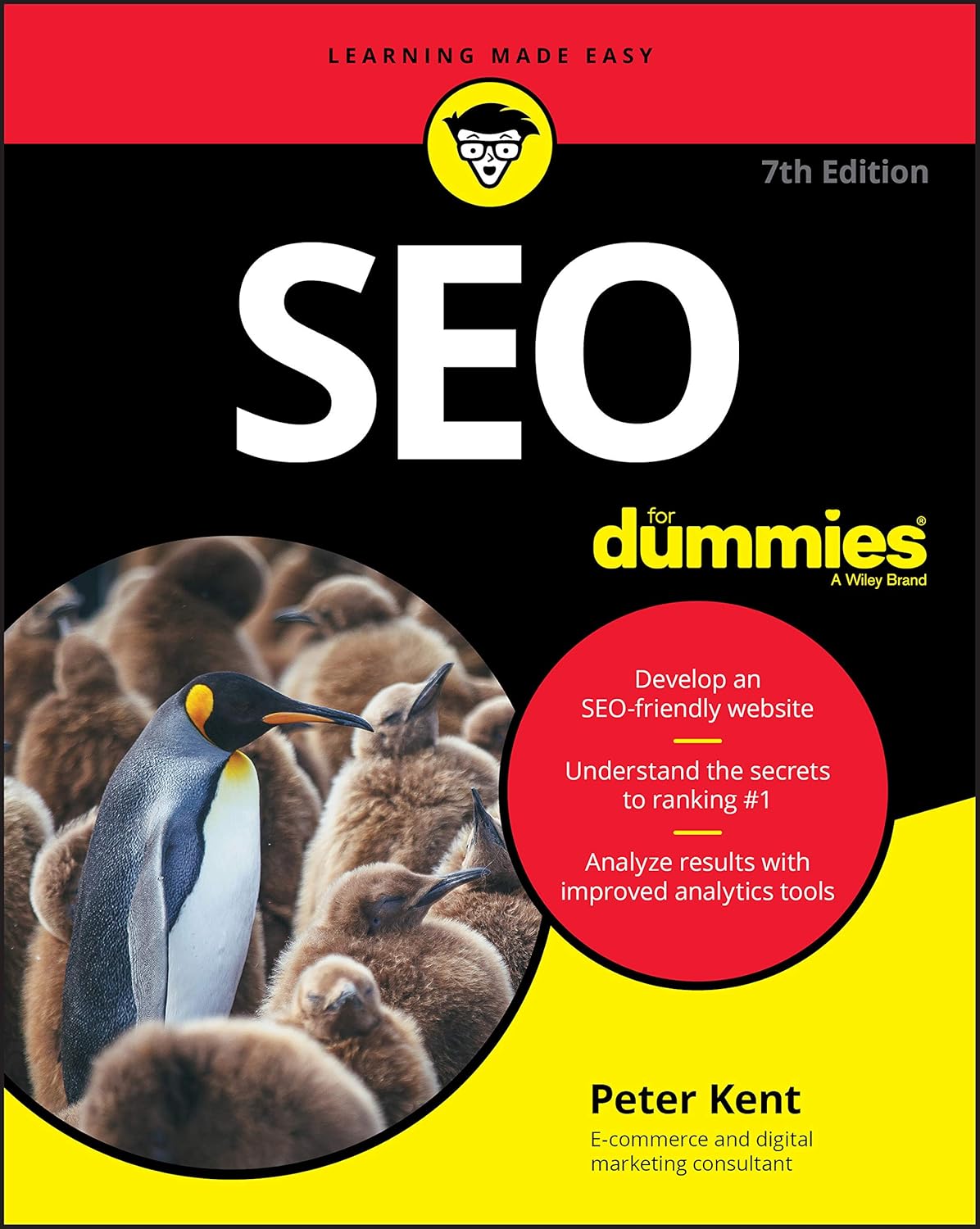
Peter Kent has been writing this book since 2003 and it’s now in its seventh edition for a reason.
It’s one of the most reader-friendly SEO books on the market, written for people with no technical background and no patience for jargon.
It covers how search engines work, keyword research using Google Keyword Planner, on-page SEO, sitemaps, link building basics, and how to use social media to support your rankings.
The honest truth: some reviews of the 7th edition note that certain tool recommendations feel dated. But the core content: how search engines think, what makes a page rank, why content quality matters is still sound. Use it as a foundation, not a final answer.
Best for:Absolute beginners who want a structured, plain-English overview of the full SEO landscape
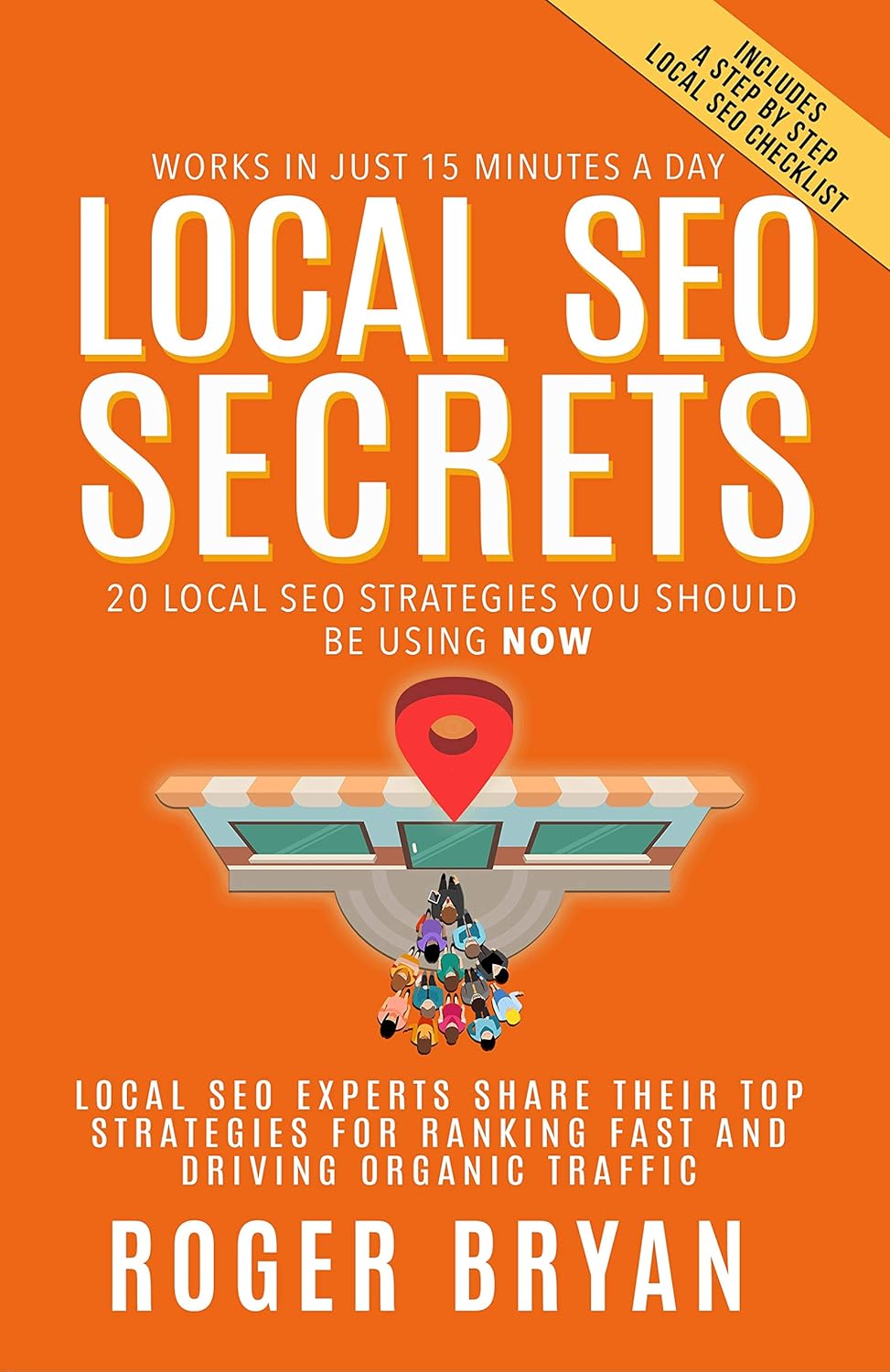
If your customers are local, you’re a service business, a brick-and-mortar, a clinic, a contractor, or any business that needs to show up in “near me” searches, this is one of the most practical books you’ll find.
Roger Bryan brings together top local SEO thought leaders to cover 20 proven strategies, including Google Business Profile optimization, local citations, eCommerce product pages for local visibility, PR as an SEO tool, and Google Local Services Ads.
It’s not like other theoretical SEO books, it’s a direct, strategy-first playbook. Each chapter is contributed by a different specialist, so you get a range of expert perspectives on what’s working right now in local search.
Pair it with SARMLife’s Local SEO service if you want professional support applying these strategies to your market.
Best for: Local business owners who need to rank in map results, “near me” searches, and Google Business Profile
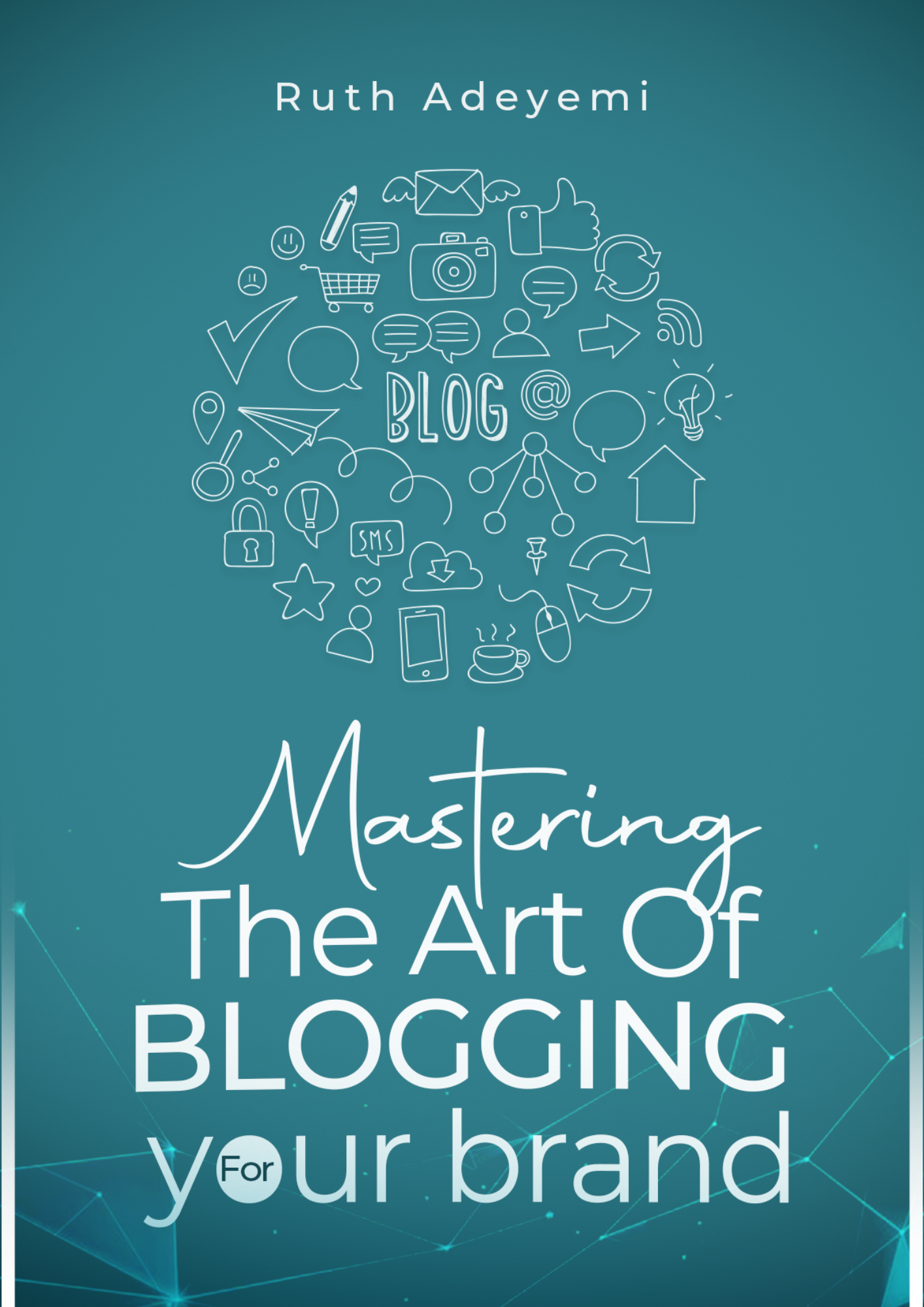
SEO and blogging are inseparable for small businesses. This companion book covers the content side of the equation: how to find your niche, what to write about, how to structure posts that keep readers engaged, how to monetize, and how to build consistency.
It’s packed with practical guidance that works whether you’re a brand-new blogger or someone who’s been publishing for a while without a clear plan.
If you run an online store, this book was written specifically for you.
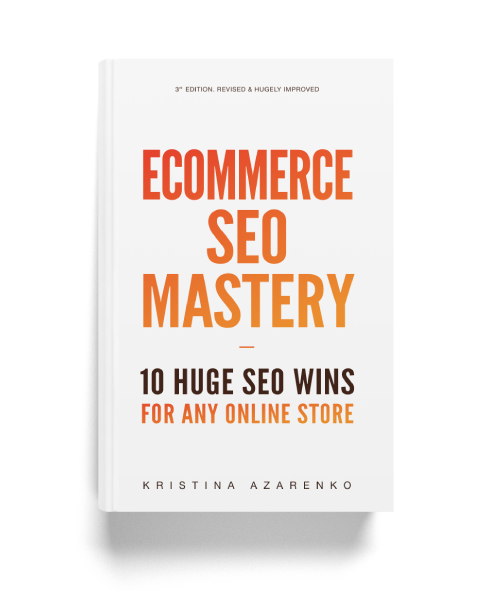
Kristina Azarenko is a recognized eCommerce SEO specialist with 10+ years of client experience and has been named one of the 13 women shaping the SEO industry. This 109-page eBook skips the theory padding and goes straight to practical wins namely, category page optimization, faceted navigation, product page structure, site architecture, and seasonal SEO strategies.
The strategies inside have helped her clients achieve results like a 5,400% increase in sales year over year and a 657% increase in traffic. Works across Shopify, WooCommerce, Magento, and other platforms: no platform-specific knowledge required.
Best for: Online store owners who want practical, proven eCommerce SEO wins without the fluff.
Prefer to start with a quick excerpt before committing? Get a free preview of Mastering the Art of SEO for Brand Growth — the SEO book written specifically for brand owners and small businesses. No tech background required.
Book vs. Course vs. Hiring Help — How to Know Which One You Actually Need
This is the question nobody tells you to ask. Here’s the honest breakdown:
Option
Best When
Limitation
Book
You’re building your mental model of SEO for the first time, or you want to verify what you know
No accountability, no feedback on your specific site or niche
Course
You understand the basics but aren’t seeing results. You need structure and guided application.
Requires time commitment; quality varies widely
Coaching / Done-For-You
You’ve tried learning and doing it yourself, but your time is better spent running your business
Higher investment; depends heavily on the right provider
A common mistake: business owners buy three SEO books, read parts of two, feel informed, and never implement anything. Then they wonder why their rankings haven’t moved.
The honest answer? One good book read completely is worth more than five books half-read. And one structured course applied to your actual website is worth more than ten SEO books on the theory.
If you’re at the point where reading feels like delay, that’s the signal.
The SEO for Business Owners course is 7 days of structured, hands-on implementation built for exactly that stage. And if you’d rather hand the SEO work off entirely, SARMLife’s SEO writing service and SEO consulting are built for small and service-based businesses.
Quick self-test: If you can answer these three questions confidently — “What is search intent?”, “What keyword is this post targeting?”, “Why is this page not ranking?” — you’re past the book stage. Time for a course or professional support.
If you are unable to answer them correctly, you should start with the SEO book or the Book Bundle.
FAQs on Best SEO Books
Do SEO books go out of date?
Some parts do — tactics like exact keyword density rules shift constantly. But the fundamentals (search intent, on-page structure, content quality, E-E-A-T) have stayed consistent for years. A well-written SEO book from the last two to three years is still highly relevant. Look for books updated for AI-era search — that’s the biggest shift happening right now.
Can I learn SEO from a book alone?
Yes — but only up to a point. Books are excellent for building your mental model of how SEO works. The gap shows up when you need to apply it to your specific site, niche, and goals. That’s where a structured course or coaching fills in what a book can’t. Start with a book to get the foundation, then graduate to hands-on learning.
Which SEO book is best for someone with no tech background?
Mastering the Art of SEO for Brand Growth is specifically written for brand owners and non-developers. It covers keyword research, on-page SEO, content strategy, and analytics without any coding requirement.
Should I buy a book or take a course?
Both serve different purposes. A book gives you the framework and strategy at your own pace. A course gives you structured, step-by-step instruction with accountability. If you’re completely new, start with a book. If you’ve read the basics and aren’t seeing results, a course or coaching is the better investment. The Content SEO Made Easy course is a strong next step after finishing an SEO book.
In search engine optimization (SEO), link building is crucial for improving your website’s visibility and ranking in search engine results pages (SERPs).
Search engines like Google use backlinks as a vote of support, especially if it is from trusted and authoritative sources. Link building is about getting backlinks from these types of websites. Think of it as trusted sites recommending your website to others.
This blog post will explore the best strategies for successful link building, including helpful tools. By following these strategies and using these tools, you can create a solid and sustainable link building strategy that will improve your website’s visibility and build authority.
What is link building?
Link building is the process of increasing the number of links (backlinks) pointing to your website from other sites.
Link building aims to increase a website’s SEO strength or domain authority. Several studies on SEO have discovered that high domain authority is one of Google’s highest-ranking factors.
This doesn’t mean you can’t rank for specific keywords if you have a website with low domain authority.
However, Google counts a backlink to a web page as a vote of support, which signals that your page is trustworthy.
The anatomy of a link
A good link has the following attributes:
1. Start of link tag
The beginning of a link tag is denoted by the “a” tag.
This tag tells the browser that a link is about to begin and should be clickable. The “a” stands for anchor, which is what links are often referred to as.
2. Link referral location
The next part of the link is the referral location.
This is where the link will take the user when they click on it. The “href” attribute within the start tag denotes the referral location.
For example, when clicked, <a href=”https://www.example.com”> would take the user to the website at https://www.example.com.
3. Visible/anchor text of link
The visible or anchor text of a link is what the user sees and clicks on.
This text is usually underlined and has a different color or appearance than regular text to indicate that it’s clickable.
The anchor text is placed between the start and closure of the link tag. For example, <a href=”https://www.example.com”>Click Here</a> would display “Click Here” as the anchor text.
4. Closure of link tag
The closure of a link tag is denoted by “</a>”.
It tells the browser that the link has ended and that any text after it should return to standard formatting.
It is essential to close your link tag properly; otherwise, it can cause issues with your website’s layout and functionality.
Link building is considered one of the most important aspects of any SEO strategy because it can:
i. Improves website ranking
Link building is crucial for improving your website’s ranking on search engines like Google.
When other high-quality niche websites link to yours, it signals to search engines that your website is valuable and trustworthy in your niche, which, in turn, can improve your website’s authority and boost its rankings on search engine results pages (SERPs).
ii. Boosts your credibility
Link building can help to boost your website’s credibility and reputation.
When other reputable websites link to your website, it is a vote of confidence that shows you are a trusted source of information in your industry or niche.
This can build trust and authority with your target audience and increase their confidence in your brand.
iii. Helps Google crawler to find your page
Link building also helps search engine crawlers find your page more easily.
When you get backlinks from other websites, it creates a web of links that search engine crawlers can easily follow to find your page, which can help improve your website’s visibility on search engines.
iv. Increases website traffic
Link building can also help increase website traffic because backlinks, especially those with the ‘follow’ tag, can drive referral traffic and SEO strength from referring websites to yours.
Link building also helps to increase the number of visitors to your website and improve its overall performance.
How to build links to your websites
There are different ways you can build links to your website; they are:
i. Asking for links
Asking for links means directly contacting website owners and asking them to link back to your site or a particular blog post. Most of the link building strategies I will discuss are under this category.
Here are a few examples: broken link building, skyscraper technique, outreach approach, etc.
ii. Earning links
This type of link building is where you get links without asking for them.
You can earn links when you create high-quality, valuable content that others in your niche need to link to (linkable assets).
People will link to these assets without you asking because they are valuable and relevant to your niche.
iii. Adding links
You can also build links by adding them to sites such as a business directory, social media profile, or niche forum and community. These links have low votes of confidence because it is effortless to set up.
It means they might not make much of a difference, but as I would always say, there is never ‘too much’ regarding SEO.
iv. Buying links
This method involves using money to buy backlinks. I do not recommend this link building method because it is against Google’s policies, and you can get your website penalized for it.
What makes a good backlink?
Link building is not just about getting any website to link to your site; it involves several other factors.
For instance, if you have 100 different backlinks, Google may only identify about five or fewer from those backlinks.
Here are the attributes that make a good backlink:
i. Authority
The domain authority of the referring website is crucial when it comes to link building. Getting a backlink from a site with high domain authority and being recognized as an expert site is of more excellent value and more beneficial to you than a site with low domain authority.
ii. Relevance
The site linking to you must be relevant to your niche/industry. For example, if you are a health blogger, getting a handful of backlinks from another health website is better than getting hundreds of backlinks from an SEO website.
iii. Anchor text
Anchor text is the clickable text used to link one page to another. According to Google, your anchor text should give context to the link.
This is another crucial aspect of a link to note because the relevance of your anchor text to the linked page determines the validity of your link.
If you are linking to a page about energy drinks, your anchor text should be ‘energy drinks’ or similar and not something like ‘chip cookies’ or ‘this blog post.’
iv. Placement
The position of your link on the page is also vital.
According to Google Patent, the position of your link and the likelihood of it being clicked may affect the authority being passed to the page.
This means the links in your content’s body or at the beginning of a page will carry more weight than a link at the bottom.
v. Nofollow vs. follow attribute
“Nofollow” is a link attribute that tells Google you are not passing the SEO authority of your page to the linked page, while the “Follow” link attribute implies you are willing to pass on the SEO strength of your page to the linked page.
Two other attributes website owners can use:
rel=“sponsored” should be used when the link is a sponsored post, advertisement, or if there is any form of compensation involved.
rel=“ugc” should be used when the link is user-generated content like comments and forum posts.
vi. Destination/landing page
It’s not enough that you have a good link in the best position; you also have to ensure that the destination of your link is optimized for search engines and great user experience.
Your landing page could be your homepage or a specific page you want to rank on Google. Your landing page could also be your linkable asset. A compelling CTA is one thing you must have on your landing page.
Here are some of the best link building strategies you will see:
1. Create quality linkable content.
There is a relationship between quality content and backlinks. Getting people to link to valuable content is much easier than fluffy content with no depth. Good content is always king.
I know you want to improve your link strategy and get hundreds of backlinks to your website, but first, try creating quality linkable content valuable to your audience and niche professionals like you.
One of the best hacks for creating quality linkable content is creating content for your fellow professionals.
Suppose you are in the blogging industry. In that case, you should create content for aspiring bloggers and blogging experts because even though you want to share valuable information, they do not have the resources to link to you.
The most they can do for you is share your link on social media. However, blogging experts like you will have their blogs; with this, they can easily link to you.
Here are four types of content that are highly linkable:
i. Visual assets
Visual assets are visual representations of a concept. Examples are infographics, charts, images, and diagrams. Including images in your blog posts has always been an effective SEO strategy.
When you create infographics or charts, it becomes easy for other bloggers to link to you whenever they discuss that topic because you have tried to simplify it.
ii. Listicles
Listicles, also known as list posts, are blog posts written in a list format, and they can vary from tips to methods, tools, checklists, trends, etc.
The main reason listicles work is that they are bite-sized, easy to digest, and highly shareable.
iii. Original research/data
Original research/data is blog content that shows new data from original industry studies and surveys. This data helps bloggers back up their points so that when someone cites your research in their blog post, they will link back to you.
iv. In-depth ultimate guides
This content is the go-to format for long-form content. It covers a topic extensively, and it is no surprise that these types of content are highly linkable.
When creating guides, it is important to ensure all the information is correct and include many internal and external links to enhance your points.
2. Analyze competitor’s sites/links.
This link building strategy is about analyzing the backlink profile of your competitors to check the sites that are linking back to them and develop strategies to replicate them.
Here are the steps to analyze your competitor’s backlink profile:
i. Identify your competitors:
Who are the websites that are ranking for the same keywords as you? You can use Ahrefs or SEMrush to find your top competitors.
ii. Analyze their backlink profiles:
Use a backlink analysis tool to see which websites link to your competitors.
When analyzing their backlink profiles, here are some things you need to pay attention to:
The number of backlinks they have
The quality of the backlinks (Look for backlinks from high-authority websites. These websites will positively impact your domain authority.)
The relevance of the backlinks (are they linking to pages similar to yours?)
iii. Find opportunities to replicate their backlinks:
Look for ways to get backlinks from the websites linking to your competitors. It could involve guest posting, creating infographics, or participating in link roundups.
It is important to understand that building backlinks takes time and effort. Don’t expect to see results overnight. Just keep working at it, and you’ll eventually start to see your rankings improve.
3. Become a source.
Journalists, bloggers, and writers are looking for information sources daily. You can become a source by using platforms like HARO (Help a Reporter Out) and get quality backlinks for your site.
HARO is a platform that connects journalists and bloggers with sources that can provide valuable insights on various topics.
Big media companies like The New York Times, TIME, REFINERY29, Chicago Tribune, Mashable, and others use this service, so getting featured in one of them is possible.
How to sign up on HARO:
a. Sign up for HARO as a source:
You will need to provide some basic information about yourself and your expertise. You will get a confirmation email after signing into your account.
b. Sign in on the platform:
Sign in and click on “My Account.” And choose the type of email you want to receive under “HARO PREFERENCES.” You will be automatically subscribed to Master HARO, which includes every industry, but you can select a specific industry instead.
c. Be on the lookout for requests that match your expertise:
You will receive daily emails with requests from journalists and bloggers looking for sources on various topics. If you find one that interests you, you can click to learn more about the request, the media outlet, and the deadline.
d. When you find a request that matches your expertise:
Respond to it with valuable insights and information. Look for the request that allows you to include your name, your website link, and any relevant credentials or experience.
The game plan is to respond to as many as possible to increase the chances of getting featured. Ensure you give answers that are valuable and let you stand out.
Here are other platforms you can use to become a source aside from HARO:
The skyscraper technique is a powerful link building strategy developed by Brian Dean that can help you build high-quality backlinks to your website.
This technique involves creating high-quality content that is better than any other content on the web on a particular topic and then reaching out to site owners or authors who have linked to similar content in the past and asking them to link to yours instead.
The main focus of this strategy is to create content that outperforms other content in your space.
Here’s a breakdown of the Skyscraper Technique:
i. Find proven linkable content.
The foundation of this technique is high-quality linkable content that would get you backlinks. The first step is to find linkable content.
Your content will range from listicles to comparison posts, industry surveys, roundup posts, and guides.
These types of content do well because they are extensive and relevant and allow room for constant updating.
Once you have identified the content you can improve on, the next step is to create your outline.
You can use tools like Ahrefs, Moz, or SEMrush to find popular content in your niche that has received a lot of backlinks.
ii. Create better content.
The next step is to create your skyscraper content.
This content has to be better than what already exists on the web. This means creating longer, more detailed, and more valuable content for the reader. You can also add visual elements like infographics, images, or videos to make your content more engaging.
Here are tips for improving the content so you can outshine your competitors:
Make the content more detailed and longer:
Exhaustively cover the topic, add more than was in the original content, and add unique insights. If they had listed 20 items, make it like 50 or more. You want your content to stand out.
Include optimized, original images:
You can design some text quotes and images. You can also create infographics to simplify concepts.
Structure the post in a way that is easy to digest and navigate. Make the user experience pleasant.
Reach out to websites that have linked to similar content in the past and ask them to link to yours instead.
Export the list of links you got from researching your competitors, remove the ones that are not relevant, and email the remaining prospect.
Email Sample Template for the Skyscraper Technique
Subject: OUTDATED CONTENT ON YOUR WEBSITE
Hello [name],
I was searching for blog posts on [topic] and came across one of your posts: [insert URL].
Your post was intriguing, and I loved how you [talk about something amazing in the blog post]. However, I noticed you linked to this post [insert URL], and on going through it, I discovered that some parts of the content in the post are outdated.
Coincidentally, I just wrote a similar article covering the recent industry updates. How about linking to it instead? Here is a link to the post [INSERT LINK].
Please read through it and let me know what you think.
I am hoping to hear from you soon.
Best Regards.
Name,
Brand,
Position.
5. Resource page building.
A resource page is a page that curates helpful resources, tools, apps, products, services, media, or websites that your audience may find helpful.
It is a one-stop shop for finding information on a particular topic.
Resource link building is where you get backlinks from a resource page.
Since they are already linking to other sites, if you have an excellent resource useful to their target audience, you can reach out to them to include it.
Some resource sites have a section asking for suggestions for resources so you can easily reach out to them.
How to build links from resource pages
i. Use existing resource pages in your niche.
The easiest method is to use Google Search to discover resource pages in your niche.
Here are the best search queries you can use to find resource pages via Google:
[your niche] + “resources”
inurl: [niche] + resources
[niche] + “resources”
Open a spreadsheet and include the results of your research. Then, you can filter through the results and contact the best websites.
ii. Create original resource pages.
This technique involves creating a valuable resource on your website that other websites in your niche will want to link to.
Here are the steps to create original resource pages for your niche:
Identify a resource topic.
The first step in the resource link building strategy is to identify a topic relevant to your niche and that people are searching for.
You can use tools like Google Keyword Planner or Ahrefs to find popular topics in your niche.
Create a valuable resource.
The next step is to create a valuable resource for your audience.
This could be a comprehensive guide, a list of tools, or a tutorial that solves a problem for your audience. Your resource should be well-researched, informative, and engaging.
Promote your resource.
Once you have created your resource, it’s time to promote it. You can contact websites in your niche and ask them to link to your resource. You can also share your resource on social media platforms and other online communities to increase its visibility.
6. Create roundup posts.
Roundup posts are posts that collate experts’ insights on a topic. The decided topic could be a controversial concept or commonly asked questions in your niche.
In this link building strategy, you will bring experts together to contribute to your post. The whole idea of this strategy is to create an epic roundup of opinions, views, and reviews from industry experts.
Trust me; you don’t need to be told that these experts will also share the link with their audience because they want to promote their opinions even more than you do.
How to create an epic roundup post
Here is a breakdown of how you can create your roundup posts:
i. Choose a topic.
Choose an interesting topic relevant to your niche and conduct proper keyword and topic research.
You want to pick a topic that allows your post to stand out. The most common types of roundups are new year trends and predictions, so you want to do better than that.
ii. Research the questions.
Research the questions you will ask the experts. You can check Google to see questions people ask about your chosen topic. You can also check places like Quora, Reddit, and other forums.
Also, if you have an active social media platform, you can take a poll on the questions your audience would want answered.
Make a list of burning questions in your niche and choose from it.
Here are a few things to keep in mind when choosing the questions:
Choose an area of question that is yet to be answered. If you want your roundups to stand out, you want to do something different and unique.
You want to ask questions that will allow people to give different answers. The beauty of a roundup post is that you can get different opinions from experts.
Avoid asking too many questions. Focus on one or two primary questions and only ask supplementary questions directly connected to your primary question.
Ensure the questions are at most 3-4 to avoid lengthy posts.
iii. Choose the right experts to include in your roundup.
This step can make or break your roundup post. You need the right experts to make it epic. Take some time to research people who can be a good fit.
You can start by reaching out to people within your network. You can post about it on social media and have people recommend experts. You can also check out podcasts or interview sites in your niche to find experts.
Here are a few things to consider when choosing the experts:
Can they give sound and valuable insight on the topic? You want people who will contribute valuable insight to the post to make it epic.
Are they popular? You want to have experts who are known in your niche on your roundup. This will make the post more credible and trustworthy.
How long have they been in the industry? You want advice from experts who have significant experience in the industry.
Will they be willing to contribute to the post? Research the experts to see if they have contributed to a roundup post before, have been a speaker at a summit, or have collaborated on social media. This will help you decide if they will be willing to be part of something like this.
Will they be willing to share the post? You want to have a handful of people willing to share the post when it is published. So, look for experts who create content and share their ideas on social media.
What is the size of their audience? You want to choose experts with different audience sizes to tap into a vast audience pool when the post is published.
When you finish your research, create a list of experts you will contact. The rule of thumb is to double the amount of people you want on your roundup because you might get some rejection.
For example, if you want 30 experts, you should reach out to 60 people to reach your original target, even if some reject you.
If you get a lot of acceptance, you can split the posts and create two roundup posts instead of one.
iv. Build rapport and contact the experts.
Now that you have created a list of experts you want on your roundup, it is time to build relationships and rapport with them before reaching out. This will increase the chances of them saying yes to your request.
Here are some things you can do to build a rapport with them:
Follow them on social media.
Like and leave insightful comments on their posts.
Watch and respond to their stories.
Share their posts and tag them.
Subscribe to their newsletters.
Listen to their podcasts if they have one.
Be genuine in building the relationship. Start building rapport with the experts beforehand (2-3 months prior) before sending the email.
Here is an email template you can use. Ensure to edit and personalize it.
Email Sample Template One for Roundup Post Collaboration
SUBJECT: INVITATION TO COLLABORATE IN AN EPIC ROUNDUP POST ON [NICHE/KEYWORD]
Hello [First name]
My name is [insert name], and I am a [niche expert].
I have been following your space for a while and have learned valuable insights into this industry.
I am writing an expert roundup post on [insert topic] for my website [insert site]. Knowing your knowledge of this field, I would love to include your insight with a “dofollow” link to your site.
My website currently has [number of monthly site visits], and I have a Facebook community and a [X number] Instagram following. It would be an honor to share your expert opinion with my audience.
Here are some questions I need your insight on:
[insert the questions]
Please let me know if you would be interested in this collaboration before the end of the month. My audience and I would love to hear from you.
Best regards.
[Your first name]
Company,
Position.
Email Sample Template Two for Roundup Post Collaboration
SUBJECT: INVITATION TO WRITE AN EXPERT ROUNDUP POST ON [NICHE/KEYWORD]
Hello [First name]
I have been a big fan of your SEO and content marketing work. Your content was beneficial when I started my journey, and I am so grateful for that. [build rapport]
I am writing an expert roundup post on [insert the topic] for [insert the site]. I would love to include your expert insight on this post.
I got a positive response from [mention some big names in your list who are likely or have agreed to collaborate with you], and they have contributed immensely. However, having you on board will be an icing on the cake.
Here are some questions I need your insight on:
[insert questions]
Thank you for considering it. I look forward to your positive response before the end of the month.
Best regards.
[Your first name],
Company,
Position.
Here are some points to note when writing the invites:
Personalize the email.
Build rapport by telling them something you appreciate about their content/brand.
Tell them the purpose of the email.
Tell them why you want them on the roundup post, and name a few experts who have said yes. This part is the social proof.
Ask the question.
Include a deadline.
Appreciate them in advance.
If you don’t get a reply, you can send a follow-up mail after 2-3 days. People are busy and sometimes forget, so it is important to follow up before you give up on that person.
v. Create your epic roundup.
After collating these experts’ responses, it is time to combine them.
Here are some tips to make your roundup impressive:
Choose a captivating headline:
Use a headline that will make the blog post enticing for readers.
Write a good hook:
Use the right hook to reel them in so they can read the roundup.
Include your insight:
Adding your insight to the post is non-negotiable.
Include engaging images:
You can design some text quotes and also include pictures of each expert. Images make it easier to consume and share content.
Include tweetable quotes:
Create snippets of each expert’s opinion that can be shared on Twitter. Do not forget to include the author’s username so they will be notified when people share it.
Create a short bio for the experts:
Include headshots of the experts and their website links to make it easier for readers to check them out.
vi. Publish the roundup post.
Publish and share the roundup post on social media, tagging the experts. You should also send an email to let them know that the post is live. Ensure to thank them for their participation.
Include the link to the post in the email so it will be easier for them to share with their audience.
vii. Promote your roundup post.
Now that your post is live, it is time to promote it heavily so you can gain traction and backlinks. Send a newsletter to your email list letting them know about the post.
Create some captivating social media posts to promote your roundup. Share the images and snippets you created on your social media platforms.
7. Broken link building.
Broken link building is a strategy that involves manually or automatically looking for broken links on other websites in your niche, reaching out, and suggesting that the broken link be replaced with yours.
The goal is to provide value to website owners in your niche while also getting backlinks to your website.
Even if they have a better alternative to reply to the broken link because they are already ‘indebted’ to you, you can get links from them in the future.
Here is a breakdown of the broken link building strategy:
i. Find broken links.
You can use various tools to look for broken links on websites, including Ahrefs, SEMrush, and Moz. With these tools, you can easily find broken links by inputting the website’s URL or page.
Once you’ve identified a broken link, take note of the page’s URL and the anchor text used because you will have to reference them in your email.
ii. Create relevant content.
The next step is to create relevant content that can replace the broken link. You can email the link if you have existing content that can be a replacement.
However, ensure the content is top-quality and updated. You also want the content relevant to the website where the broken link was found.
iii. Reach out to website owners.
Once your content is ready, it’s time to contact website owners. You can do this by sending an email. Explain the process for discovering the broken link in your email and offer a replacement.
Email Sample Template for Broken Link Replacement
SUBJECT: Broken link on your website
Dear [First Name],
My name is [your name], and I own [your website]. I’m writing to you because I noticed a broken link on your website. The link is located at [URL of the broken link] with the anchor text [insert text].
My blog post on [topic], [URL of the page], would be a suitable replacement for the broken link. This post was written [date published] and is up-to-date with the newest trends on [this topic].
This arrangement would be mutually beneficial because it would improve your website’s user experience and help promote my website.
Thank you for your time and consideration.
Sincerely,
[Your name]
iv. Repeat the process.
Repeat this process often to get a concise list of other websites in your niche that can link to you.
8. Find unlinked brand mentions.
Sometimes, people might mention your brand without linking to you. It happens, and what you do with this link building strategy is to look for these brand mentions and request the writer to add your link to it.
You can use a tool like Prowly’s Brand Monitoring to find unlinked brand mentions. It allows you to keep track of your brand across different platforms.
When you find these unlinked brand mentions, you only need to contact the writer and request that the mention be linked with the appropriate link.
Here is an email template to reach out to a website owner about a mention of your brand that wasn’t linked and request that it be linked with an appropriate link:
Email Sample Template for Unlinked Brand Mention
Subject: Unlinked mention of [your brand]
Dear [website owner name],
My name is [your name], and I own [your brand]. I’m writing to you because I noticed your website mentioned [your brand] at [URL of the unlinked mention].
I’m glad you know my brand, but I would appreciate it if you could add a link to my website at [URL of the page you want linked] to the mention. This would help your users to access the site if they’re going to, and it would also help to promote my brand.
Linking to my website would be a mutually beneficial arrangement. It would help your users to learn more about my brand, and it would also help to improve the search engine ranking of your website.
Thank you for your time and consideration.
Sincerely,
[Your name]
9. Direct outreach.
This powerful link building strategy involves contacting other website owners and asking them to link back to your website. You can do this via email, social media DMs, and other communication channels.
When reaching out, it is crucial to research and find websites that are relevant to your niche and have a good reputation. You can also find out how frequently the site does collaborations and guest posts to know if they will be willing to engage with your site.
Also, personalize your outreach emails and offer something of value in return for the link.
Here is a breakdown of the direct outreach strategy:
Find websites that are relevant to your niche.
You need to know the potential websites that will likely give you a ‘follow’ link and a ‘nofollow link.’
You can use tools like Ahrefs or SEMrush to run competitive or backlink analyses to find websites linking to your competitors. You can also use Google Search operators to find websites relevant to your niche.
Create a list of websites.
Once you have found websites relevant to your niche, create a concise list of the ones you want to contact. You can create a spreadsheet to keep track of the websites, including the website’s URL, contact information, and any other relevant notes.
Craft a compelling outreach email.
The next step is to craft a compelling outreach email. Your email should be personalized and explain why you are contacting the website owner. You should also explain the mutual benefit that the collaboration will bring.
Here is an example of a direct outreach email that we received when we uploaded our blog post on ChatgGPT:
It can also be used as a template for the broken link building strategy.
Email Sample Template Direct Outreach
Subject: Link building opportunity
Dear [website owner name],
My name is [your name], and I own [your website]. I’m writing to you because I’m interested in building a link between our websites.
I’ve been a fan of your website for a long time, and it would be a great fit for a link from my website. My website is [URL of your website] and covers similar topics to yours.
I’m willing to offer you a free product or service for a link to my website. I’m also open to other forms of collaboration, such as guest blogging or social media promotion.
I hope you’ll consider my request. You can contact me via this email address with any other specific requests or questions.
Thank you for your time and consideration.
Sincerely,
[Your name]
10. Reclaim lost backlink.
Reclaiming your lost links is another way to build links. It is typical for you to lose some links due to factors such as:
Link removal by the website owner
Expired website
Changed URL
Penalized website
To reclaim your list links, you need to identify your lost backlinks using SEO tools like SEMrush. These tools will show you which websites were linking to your website but have since removed the link.
The next thing you need to do is to know why these backlinks were lost. Understanding why the backlink was lost will help you determine the best approach to reclaiming the link.
Afterward, reach out to the website owner and ask them to reinstate the link, depending on the reason for the link’s removal in the first place.
If the domain name of the website referred to you is expired, you might not be able to do something grand like buying the website or domain. So, instead of contacting the website owner, you can find broken links on another website similar to the one you lost and ask to replace the links with yours.
If the website owner was the one who removed the link in the first place, you could send a mail to ask why the link was removed and try to offer something in return for them reinstating your link back on their website.
For example, you could offer to write a guest post for their website. This strategy can help sweeten the deal and make it more likely that they will add your link back.
11. Guest posting.
Some people say guest blogging is dead, but that is untrue. What is dead is the usual old way of guest blogging to trick the algorithm. Guest blogging still works, but you have to be strategic.
Write for sites relevant to your niche, have good domain authority, and have a similar target audience.
Guest posting tips to maximize your link building strategy:
Select the right websites.
Write high-quality content.
Conduct a thorough topic research.
Understand the brand tone of the website you want to write for.
Have a good author bio ready for use.
Promote your guest post.
Engage in the comments.
12. Backlink gap analysis.
A backlink gap analysis shows the number of backlinks on your competitor’s site.
The purpose of a backlink analysis is for you to discover potential websites that are currently linking to websites in your niche.
When you discover these websites, you can reach out to them directly, find broken links on their website, or any other link building strategy that is more convenient and you feel will be more effective.
When you do a backlink gap analysis, curate an extensive list of potential websites because there is no guarantee that all of them will agree to your requests.
13. Reverse image search.
If you create visual assets like infographics and charts that people are already linking to, this strategy will help you find sites that use your visual assets without linking to you.
With reverse image search, you can see these websites and reach out to them to link the image back to you. It’s similar to unlinked brand mentions, but this is done only for images.
It’s important to know that reverse image search doesn’t always work because some websites do not index their images, and it can also be possible that your data center is not in sync.
However, if you want to do a reverse image search, ensure your images are high-quality, used on several other websites, and original.
14. Relationship-based link building technique.
This link building technique is based on creating business relationships with website owners in your niche, where you collaborate on content and link to each other.
Here’s how it works:
Identify potential partners.
The first step in relationship-based link building is identifying potential partners in your niche. Look for websites and blogs relevant to your industry and with a similar target audience.
Reach out to potential partners.
Once you’ve identified potential partners, it’s time to reach out to them. Send an email or message through social media introducing yourself and your website. Explain your interest in building a relationship and working together to create valuable content.
Collaborate on content.
You can collaborate on content once you’ve established relationships with other website owners. It could involve guest blogging on each other’s sites, creating joint webinars or podcasts, or collaborating on an ebook or white paper.
Link to each other’s sites.
As you create content together, include links to each other’s sites. These links should be natural and relevant to the content. This will help to improve your search engine rankings and drive more traffic to your site.
Nurture the relationship.
Relationship-based link building is not a one-time event, so nurturing the relationship is beneficial and important.
Continue to collaborate on content, share each other’s posts on social media, and offer support when needed.
15. Podcast interviews.
This link building strategy is similar to guest posting; it uses a podcast instead.
When you show up as a guest on a podcast, your website link is usually included in the episode description.
When you appear on several podcasts relevant to your niche, you get access to the audience of the podcast host, and the host can also link to your website or social media profiles.
Also, other podcasters in that niche may refer to the podcast interview you had and link to your website.
Here are some tips to help you build links from podcast interviews:
Select podcasts with a significant following.
Ask the podcast host to link to your website in the description.
Guest blog on the podcast’s website.
Promote the podcast appearance on your social media.
Select podcasts in your niche.
Link Building Tools
You can use several link building tools to perform your backlink analysis, competitor analysis, find broken links, etc.
However, here are the ones I think are best for helping with link building:
SEMrush has got to be the best tool for backlink analysis. I love how it is so easy to get detailed data on how healthy your backlinks are and the sites that link to you.
SEMrush shows you details such as:
Toxicity score
Referring domains
Authority scores of referring domains
Anchor words
Anchor word category
Link types
Link attributes
SEMrush also has a link building tool that allows you to see detailed information about your competitor’s website and the websites linking to it. It also includes contact information, social web info, links to your website, and much more.
With this link building tool, you can use an outreach module to send personalized, relationship-based messages quickly.
You can also track all your outreach attempts to know which were successful and which were not.
Using the bulk backlink analysis tool, you can analyze up to 200 domains at once. SEMush also allows you to connect your Google Search Console and Google Analytics accounts while permitting you to export your results as a PDF or CSV file.
SEMrush Pricing
Pro
$129.95 monthly
$108 if you pay yearly
This plan is best for newbies and small teams.
You can do competitor analysis, keyword research, website audit, backlink analysis, advertising tools, and more.
Guru
$249.95 monthly
$208 if you pay yearly
This plan is best for agencies and mid-size businesses:
You will get access to the content marketing toolkit, historical data, multi-location and device tracking, Looker Studio integration, and more.
Business
$499.95 monthly
$416 if you pay yearly
With this plan, you can also try a custom plan where you get customized features that suit the needs of your business. It is perfect for large agencies and enterprises:
This plan gets you access to all Guru features, including share of voice, extended limits, API access, PLA analytics, free migration from third-party tools, and more.
Ahref is a popular tool for analyzing backlinks and finding link building opportunities. The Ahref Backlink Checker is a free tool that instantly checks for your website’s backlink strength, the referring domains, the anchor words, phrases, and the exact URL used.
Using Ahref’s Site Explorer, you can analyze your backlink profile, see which websites link to your competitor’s sites, and gauge the quality of their backlinks. You can also use the tool to check for broken links on your competitor’s website, which is great if you want to build links through that strategy.
You can use the Site Explorer tool to check for referring domains, link attributes, and anchor words and even browse the outgoing links of your competitor’s websites.
You can get limited access to Ahref’s Site Explorer, but you will need to upgrade to a paid version to conduct an in-depth backlink analysis.
Ahref Pricing
Lite
Starts at $99/month
This plan is perfect for small businesses and hobby projects.
Standard
Starts at $199/month
This plan is perfect for freelance SEO and marketing consultants.
Advanced
Starts at $399/month
This plan gives access to more tools and data for lean in-house marketing teams.
Enterprise
Starts at $999/month
This plan is ideal for agencies and enterprises. However, you can have a customized plan developed for the unique needs of your business.
This great tool allows you to track your backlinks and analyze your link profile.
Here are some ways Moz helps with your link building strategies:
Monitoring inbound links
Moz Link Explorer allows you to review and monitor your inbound links. This will help you understand the reason for your low website ranking.
Researching competitor backlinks
You can compare the backlink profile of your competitor with yours. This allows you to know which sites link to them and the type of content they link to.
Finding broken links
You can use this tool to discover broken sites on your website or your competitor’s website. With this, you can easily find and fix broken links on your site and reach out to other sites to help replace their broken links with your content.
Checking the spam score of backlinks
Reduce the number of spammy links on your website by checking the number of spammy links and removing them.
Discovering link building opportunities
Find out who’s linking to your competitors (but not to you) with Link Intersect.
Seeing new and lost links
Monitor when your content is gaining or losing links.
The free version of Moz allows you to access ten link queries and fifty rows of data every month.
Moz Link Explorer Pricing
STANDARD
$99/month
$79 /month when you pay yearly
This plan is best if you are new to SEO or need the basics, and it is the most popular Moz Pro Plan.
MEDIUM
$179/month
$143 /month when you pay yearly
This plan gives you full access to Moz’s keyword research tools.
LARGE
$299/month
$239 /month when you pay yearly
This is an ideal plan for businesses and agencies serious about searches, offering the best deal.
PREMIUM
$599/month
$479 /month when you pay yearly
This plan is famous for large SEO agencies and in-house marketing teams.
The Ubersuggest Backlink Checker lets you see the number of links pointing to any domain or URL (yours or your competitor’s). You can see data ranging from your total link count to .edu and .gov links to even the exact number of unique referring domains.
You can also conduct a backlink analysis on your competitor’s website to see everyone who is linking to your competition and who isn’t linking to you. You can easily find new sites you can approach for link building opportunities.
This tool provides a feature called Advanced Link Filtering that makes it easy to identify the best link opportunities for you. You can filter links by region, anchor text, domain score, page score, and URL.
You can also choose if you only want to see nofollow links or dofollow links, and you can limit the results to reflect one backlink per domain.
You can export all your results to CSV.
Ubersuggest Pricing
Ubersuggest offers two broad options: paying monthly or once and getting full-time access.
MONTHLY PLANS
Individual
$12/month
This is a good option if you manage one website.
Business
$20/month
This is a good plan if you manage about 2-7 websites.
Enterprise
$40/month
This is a good plan if you manage about 8-15 websites.
LIFETIME ACCESS
Individual
$120 for LIFETIME access with no monthly fees
1 website
Business
$200 for LIFETIME access with no monthly fees
2-7 websites
Enterprise
$400 for LIFETIME access with no monthly fees
8-15 websites
FAQs for Link Building
What is link building?
Link building is the process of increasing the number of links (backlinks) pointing to your website from other sites.
For search engine optimization (SEO), link building aims to increase the quantity of high-quality inbound links to a webpage to increase ranking.
What are the benefits of link building?
There are many benefits to link building, including:
Increased site ranking
Increased traffic
Increased brand awareness
Improved credibility
What are the different types of link building?
There are many different types of link building, including:
Guest blogging
Creating linkable assets
Broken link building
Image link building
Social media sharing
Press releases
Skyscraper technique
Roundup posts
Direct outreach
Finding unlinked brand mentions
What are the best practices for link building?
The best practices for link building include:
Focus on quality over quantity.
Guest blog on relevant websites.
Run link building campaigns.
Monitor your backlinks.
Be patient.
Use good link building tools.
What are the common mistakes to avoid in link building?
The common mistakes to avoid in link building include:
Buying links
Spamming
Over-optimizing anchor text
Neglecting your existing links
FINAL THOUGHTS
Link building is essential to any successful SEO strategy, and you must do it correctly.
Google values a website with a substantial amount of referring links. It can be the primary trigger to increase your website’s rankings on search engines.
However, it is important to remember that link building is just one of many factors Google uses to rank websites. So, ensure you also optimize your website for other factors, such as content quality, keyword research, and technical SEO.
Lastly, remember that link building is not a one-time thing but an ongoing process that requires patience, effort, and dedication. With these strategies, you can take your link building efforts to the next level and achieve long-term success online.
CTA: Which of these link building strategies will you try out?
Have you ever wondered how to write a blog post that is clickable and engages your audience on all fronts?
The first time I wrote an entire blog post, I edited and backspaced a lot. Even when I submitted it for review, I was expecting a load of criticism.
Yes, it wasn’t perfect at first, but from that point till now, I’ve learned a lot of tricks in the trade that get me to a near-perfect blog post that ranks on the first page of Google. I will be sharing these trade secrets in this post, so sit tight and enjoy the ride.
If you are familiar with Search Engine Optimization (SEO), you will know it is specific to both the user and search engines.
If you’re trying to figure out how to write a blog post that actually ranks on search engines, gets cited by AI, and converts readers into customers, then you need more than just “tips.”
You need a system.
The way blog content works today has changed. It’s no longer just about writing well, it’s about structuring your content so that search engines, AI systems, and users can all understand, trust, and act on it.
What is a blog post?
A blog post is a structured piece of content designed to answer a specific user query, provide value, and guide the reader toward a desired action such as subscribing, contacting a business, or making a purchase.
In simple terms, a blog post is a piece of writing published on a website to entertain or educate.
Usually, blog posts are written content but may contain infographics, images, or even embedded videos which are all used to further the purpose of that post.
In modern SEO, understanding how to write a blog post means going beyond writing it involves aligning content with search intent, structuring it for readability, and optimizing it for both traditional search engines and AI-driven systems.
Elements of a good blog post
What makes a good blog post?
Usually, I would say SEO, but that is just one of the crucial factors that makes a good blog post. There are several other factors your blog post needs to have.
Here’s what makes a good blog post:
Readability
Comprehensiveness
Visually appealing
Self-explanatory
Answers a question
Skimmable
Optimized
SEO is basically making sure your content is optimized for search engines, but you also have to think of the people who will read your post.
Now, the fact doesn’t change that SEO cares about the users, but it does not guarantee that every post ranking high has valuable content. I’ve seen high-ranking posts with less value than expected.
Why should you learn how to write a blog post that is engaging?
There are several reasons why your blog post needs to be engaging. Some are
It increases your chances of getting return visits
It increases your conversion rates
It establishes a connection with the audience
It increases the possibility of users sharing your post on social media
It moves the readers to comment, and this is a good signal for search engines
This is how to write a blog post that magically keeps your audience hooked;
Understand search intent
Perform keyword and topic research
Choose a good topic
Research
Create a structured outline
Write for humans first
Craft a good headline
Give an irresistible intro
Get to the point
Deliver facts with experience
Add a personal touch
Optimize for SEO
Write flow sentences
Use short paragraphs
Insert additional references
Use infographics
Finish off strongly
Optimize for AEO
Optimize for GEO
Edit and improve readability
Promote your posts
1. Understand search intent
The first step in learning how to write a blog post is understanding why someone is searching in the first place. Every keyword has intent behind it, and your content must align with that intent if you want to rank.
There are generally three types of intent: informational, navigational, and transactional. A query like “how to write a blog post” is clearly informational, meaning the user is looking for guidance, not a sales pitch. If your content doesn’t match that expectation, it won’t perform well.
At SARMLife, this is a core principle behind every content strategy. You can explore this further in our internal guide on search intent in SEO:
Understanding intent ensures your blog post is relevant from the start, which improves both rankings and engagement.
2. Perform keyword and topic research
Once intent is clear, the next step in how to write a blog post is identifying the right keywords and supporting topics. This goes beyond picking one keyword, it involves building a content ecosystem around it.
Your primary keyword should be supported by related terms, questions, and subtopics that help search engines understand the depth of your content. This is where topic clusters come in.
When done correctly, keyword research ensures your blog post is not only optimized but also competitive.
Here are some things to note:
i. Choose a good topic
When selecting what topic you want to write about, you must first be clear about your niche, target audience, and content bucket.
You also have to choose a topic that you and the audience will love.
Writing can be a bit tasking and overwhelming, so you want to select a topic that interests you, piques your curiosity, and energizes you.
When I have a massive workload, including writing a good and optimized blog post, I opt for topics that I’m more familiar with and are less technical.
By doing this, I reduce the mental stress associated with technical blog posts, meet up with deadlines, and also write a killer post.
Use the right tools to conduct topic research and focus on user-generated content from platforms like answerthepublic and Quora.
Optimize these topic ideas and move to the next step.
ii. Research the topic
Ubersuggest and Google pretty much got you covered on research. Research the topic to see if it’s an existing subject that people talk about. Study patterns of previously published posts (the headline, content structure, word count, and outline).
It’s basically fieldwork to get a lay of competitors’ work and do better than what they already have.
Research also helps you optimize your content for search engines. When your topic is a current subject, your keywords are on point, and your writing is superb, search engines will love you.
One of the biggest mistakes people make when learning how to write a blog post is jumping straight into writing without a clear structure.
Before creating an outline, I optimize all my ideas and have my headlines sorted out. This is to let me fully understand the entirety of the post; what it should and should not contain.
An outline acts as a blueprint. It ensures your content flows logically, covers all necessary points, and remains easy to read. More importantly, it helps you organize your content in a way that is easy for AI systems to extract and summarize.
When you fully grasp what your blog post is about, you create an imaginary boundary around it that lets you know when you are going off point and gets you into your audience’s mind to predict what they will want to see in that type of blog post.
A strong outline typically includes:
A clear introduction
Logical sections that answer specific questions
A conclusion or call to action
This structure improves readability and makes your content more effective for both users and search engines.
This isn’t just a guessing game. You need to check other reference posts, research questions users frequently ask about the subject, and insert questions that can easily be explained as part of your main content.
4. Write for Humans First
Understanding how to write a blog post also means recognizing that writing for search engines alone is no longer effective. Your primary focus should always be the reader.
Your content should be clear, engaging, and easy to understand. Avoid unnecessary complexity and focus on delivering value quickly. Readers should be able to scan your content and immediately find what they need.
At the same time, your writing should naturally incorporate your target keyword without forcing it. This balance ensures your content feels authentic while still being optimized for search.
Here are some tips to keep in mind when writing for humans:
i. Craft a good headline
I wrote a post about Proven ways you can make money blogging in 2024. It was a perfect blog post with thorough research, statistics, comprehensive explanations, and in-depth points. Still, I was surprised to see other posts doing better because, in my opinion, this particular post was the BOMB!
So, I started analyzing the post and saw that nothing was wrong with the keywords or content, but the headline was the possible cause.
Headline rules you should follow:
Your headline should NOT be completely different from existing headlines.
Your headline should have your focus keyword or, at the very least, one of your keywords.
It should be similar but not the same as any existing headline. You can verify this by adding a quotation mark to the headline and searching on a good search engine (Google, Bing, etc.)
Make your headline a very long-tail keyword. This means making your headline something that a searcher can type out when searching as much as possible. This increases the chances of your post popping up for that search query because it is precisely what the searcher is looking for.
Your headline should not be more than 70 characters. I keep mine at 60 and the highest at 65.
Use numbers, trigger words, and add a promise at the end (what the reader will gain from the post).
Now that you’ve gone through all the trouble of getting a good topic, researching, creating a headline, and even an outline, your introduction will determine if your reader will stay through to the end or keep reading. The introduction is where you put your copywriting skills to work.
The introduction can be as long as 10-20 sentences, but what matters most is the first 2-3 lines, known as the hook. This is where you hook your readers and let them in on what you are offering. You want them curious and anticipating the rest of the post.
There are different types of introductions:
Sharing a story
Empathizing with a pain point
Giving mind-blowing statistics
Asking a question
Going straight to the subject matter
Stating a well-known fact
Addressing a controversy
Sharing what they will learn at the end of the post
Whichever introduction you decide to go with, you want to make sure that it is delivered well and don’t forget to add your focus keyword naturally in the first 10% of your post.
iii. Get to the point
Your introduction should already give your readers insight into what they are about to read. Get to the point of the post.
It would help if you gave a background explanation before hitting the nail on the head. This is where your outline helps you, and your outline already gives you what you need to write and be on point.
Although there are times when you suddenly come up with an idea while writing, it’s all good as long as it is related to the subject and not just added words to increase your word count.
iv. Deliver facts with experience
The body of your post is expected to contain verified data and facts. Statistics cover a lot, especially from authority websites, but you can also add personal experiences.
If you notice in this post, I have been adding my experience regarding writing blog posts because I want to connect with you and make you aware that I understand the struggles and that I’ve been there as well.
Your experience is also a fact, so make sure to add it to your post regardless of your niche.
v. Add a personal touch
Your personal touch equates to your personality. Let your personality reflect in your writing (if you are a humorous person, sassy, casual, etc.) Your brand tone should be informative, authoritative (I highly advise against this, though), relaxed, luxurious, etc.
Your writing should be identifiable to your audience and shouldn’t differ from one blog post to another.
5. Optimize for SEO
Once your content is written, the next step is optimizing it for search engines. This involves refining your content so that it is easily discoverable and properly indexed.
Here are some other tips to keep in mind when optimizing for SEO:
i. Write flow sentences
Flow sentences are significant when writing blog posts. You don’t want to write a blog post where one paragraph is disjointed from the next.
The reader needs to be able to move smoothly from one sentence to the next, and without this, it is impossible to understand the full intent of the post. You can achieve sentence flow by using punctuation and connecting words correctly.
Also, when you are moving on to the next paragraph, make sure it is not entirely different from the previous one.
If you are bringing up an entirely new point, it is best to use it as a subheading instead, as this lets the reader know that the previous conversation has ended and another one is beginning.
ii. Use short paragraphs
Long paragraphs shouldn’t be found in your blog posts. Most readers skim through a post till they find what they are looking for.
Short paragraphs make your post skimmable, which improves the user experience and encourages the reader to go through each line.
iii. Insert additional references
Additional references are external links you insert in your blog post to let readers know that they are verified facts. It can also include links to your other content or social media pages.
If you own a website and have a YouTube account with videos related to the subject matter, you can insert links to them naturally within the post.
iv. Use infographics
Infographics give a summary of your post in a visual format. Most readers actually appreciate infographics because it saves them a lot of time, and they can easily download and share them on their social media pages.
This is also a win for you because they do the marketing for the post without you paying a dime. Make sure to insert your website URL on the infographics so it is not pirated on the web.
It is best to insert the infographics earlier in the post and use Alt Text to describe it to search engines.
v. Finish off strongly
Your conclusion is just as important as your body. For readers who usually skim through to the end of posts, your introduction can convince the reader to read through the body.
When writing your conclusion, these are the main points you need to note:
AEO is a critical part of modern content strategy and a key element of how to write a blog post today. It focuses on making your content easy for AI systems to extract and present as direct answers.
To optimize for AEO, your content must be structured clearly and answer questions directly. Each section should provide a concise and complete response to a specific query.
For example, instead of writing long, vague explanations, you should define concepts clearly and provide immediate value. This increases your chances of being featured in AI Overviews and voice search results.
Including a well-structured FAQ section further strengthens your AEO strategy, as it aligns perfectly with how AI systems process and deliver information.
7. Optimize for GEO
GEO focuses on making your content more visible and usable in AI-generated responses. When learning how to write a blog post, this is what separates average content from authority content.
To optimize for GEO, your content must be:
Clear and factual
Well-structured
Comprehensive
AI systems prioritize content that provides complete and reliable answers. This means your blog post should not just touch on topics but fully explain them.
Adding authoritative links, maintaining a consistent tone, and ensuring accuracy all contribute to stronger GEO performance. When your content is seen as a reliable source, it is more likely to be cited and referenced.
8. Edit and improve readability
Editing is where your blog post transforms from good to great. A key part of how to write a blog post is refining your content so that it is easy to read and free of unnecessary complexity.
This involves simplifying sentences, improving flow, and ensuring consistency. Your content should feel natural and effortless to read, especially on mobile devices.
Strong editing improves user experience, which directly impacts engagement and rankings.
Your writing doesn’t stop at writing, and you need to promote this on your social media platforms and social apps.
Also, create links to social media platforms that the readers can use when they intend to share your content.
Create awareness as much as you can and sit back for the magic effect.
FAQs on How to Write a Blog Post
How do you write a blog post for SEO?
To write a blog post for SEO, start with keyword research, create a structured outline, write high-quality content, and optimize it with internal links and metadata.
How long should a blog post be?
A high-performing blog post is typically between 1,500 and 2,500 words, depending on the topic and competition.
What makes a blog post rank on Google?
A blog post ranks when it aligns with search intent, provides value, is well-structured, and is optimized for both SEO and user experience.
How do you optimize a blog post for AI search?
To optimize for AI search, structure your content clearly, answer questions directly, and include concise explanations that are easy to extract.
FINAL THOUGHTS
Learning how to write a blog post that ranks,converts and gets cited is essential in 2026.
At SARMLife, we’ve kept our blog posts ranking very high on search engines, and these tips are what we implement when writing each blog post.
Your next blog post will be able to cross that milestone using these tips.
The goal is not just to have your blog posts visible when people search for them but to be able to hook your readers, reduce the bounce rate for your site, and make them return to your blog.
You should save this post or download the Pinterest infographic and return to it when you want to write your next blog post.
Do you want your content to get ranked and cited by AI models, then get our SEO Writing service where we implement proven techniques to optimize your content.
Knowing the best digital marketing strategy to blow up your business makes entrepreneurship sweeter and less frustrating.
Today’s business owners embrace digital marketing, and startups aren’t left out.
In this post, I’ll focus more on startup businesses because most startup entrepreneurs usually find themselves at their wits’ end trying to familiarize themselves with the marketing environment.
Several reports have concluded that about 90% of startups fail, which is not surprising as startups usually struggle to succeed.
According to CBInsights, poor marketing is the primary reason for a low success rate for startups.
This further proves that employing the best digital marketing strategy in your products and services promotion, advertisement, and distribution processes will save your startup from failing and bring massive growth.
Also, marketing gets you in front of your target audience and allows your business to grow in reach and sales. And digital marketing is the best marketing option for any business in this century; it more than quadruples your growth chances.
However, marketing, especially digital marketing, can go wrong quickly, especially if the digital marketing strategy you are using isn’t compatible with your business model.
Nevertheless, you can get your startup to be included in the 10% of startups that don’t experience failure.
At the initial stage of any business, strategic decisions and plans are executed to grow the business. The goal of every startup is to grow, and this can only happen by being deliberate and conscious of the methods you have made to grow your business.
One of the strategic decisions you need to make is the type of digital marketing strategy to promote your business. Deciding on this can be a hassle, especially if you do not know much about digital marketing and its benefits.
If you are unclear on why digital marketing has the power to blow up your business, you should keep reading.
WHY YOU NEED A DIGITAL MARKETING STRATEGY
Being knowledgeable about the importance of digital marketing in your startup will undoubtedly change the outlook of your business and help you make sound business decisions in terms of marketing.
Here are five (5) reasons why you need a digital marketing strategy for your startup:
1. Cost-effectiveness
Many startups feel digital marketing is not affordable for business promotion, and as a result, money is not conserved.
Contrarily, digital marketing is actually less costly than other marketing types. Marketing online saves money while possessing the ability to reach your potential customers even outside of your geographic location. It’s a win-win situation for you. You are relieved of the financial stress, which makes you focus on other important things with money demands.
2. Direction
Knowing what to do next and how to go about it with a digital marketing strategy becomes easier. This is because your track records of progress can easily be accessed and used to plan further or re-strategize the marketing procedures.
3. Integrity
People look out for businesses with integrity and credibility before they can be committed to using their products and services. Startups find it challenging to establish integrity and credibility as no one can vouch for them because they know little or nothing about them.
Digital marketing provides a platform through which you can build integrity and credibility with your customers.
Most digital marketing strategies allow you to have better communication with your customers, which in the long run helps gain the customers’ trust and give them more reasons to use your products and services
4. Exposure without boundaries.
The world going digital has made it much easier to reach people staying miles away from you. Adopting a digital marketing strategy guarantees getting your startup from the hideout into the limelight when it comes to business. This exposure will draw your potential customers to you, which will bring in the sales you desire.
5. Uniqueness
Most businesses have a lot of competition attached to it. Your startup will always have competitors: those with products and services relatable to yours and those who have been there longer than you.
Using digital marketing for your business can help distinguish it from other businesses.
HOW TO GET THE DIGITAL MARKETING STRATEGY THAT WILL WORK FOR YOU
Knowing that digital marketing can genuinely take your startup from the hideout into the limelight doesn’t rule out the necessity of getting to know which of the various digital marketing strategies is best for your business.
This is as important as knowing the importance of digital marketing. Understanding the type of digital strategy that is perfect for your startup will require you to consider these three points:
1. YOUR PRODUCTS AND SERVICES
Your products and services have a specific target audience. For instance, assume that your startup deals with children’s clothes. This means that your marketing strategy will focus on reaching the parents of these children because, of course, they are the ones with the credit card to pay for your product.
Also, because you deal with clothes, you will need to invest more in a digital marketing strategy that allows you to engage your audience with a lot of visual content and that also allows a variety of payment options.
Having clarity on your products and services leads to understanding your target audience, so it is essential to have a niche and not just sell different products and services.
2. AUDIENCE
Once you know who your target audience is, the next thing is to discover where to find them.
In a 2009 study on media, Nielsen reported that kids spent less time watching TV as they grew older and gravitated more toward the internet. This media report implies that marketing to teenagers through TV commercials won’t yield effective results.
You need to find where your target audience spends most of their time and use that as a tool to get the best strategy in marketing your products and services. It creates ease in planning and lets you know the exact digital marketing strategy that will be the most effective, whether email marketing, content marketing, or social media marketing.
3. CONSISTENCY
It is quite beautiful to see startups identify the target audience for their products or services. However, being consistent in marketing is crucial, and remember, consistency is the rule of the game.
Almost half of SMBs (small and medium-sized businesses) spend less than two hours per week on marketing efforts. For these kinds of businesses, underinvesting in marketing can be fatal.
For startups and SMBs, marketing should be given priority.
Before you can conclude that a particular marketing strategy did not produce results like you thought it would, you need to verify that you gave it the proper attention and consistency it needed to grow and yield profit.
DIGITAL MARKETING STRATEGIES FOR STARTUPS
We will explore the top 4 digital marketing strategies you can employ to blow up your startup and become successful.
89% of small businesses believe that SEO is an effective digital marketing tactic. According to them, having a website (blog marketing) and utilizing SEO is critical for startups.
Note that for a startup business to utilize SEO fully, it needs to have a website and not just any kind of website but an SEO-optimized website.
A startup must have a website through which SEO marketing can function.
What is SEO?
SEO (Search Engine Optimization) means optimizing your content for search engines.
With the proper use of keywords and creating high-quality content, you can inform search engines that your website is informative and trustworthy.
SEO ticks off the advantages of digital marketing, from cost-effectiveness to exposure.
I talked a lot about how a business owner in this century can utilize SEO effectively in my blogging for business owner course, including setting up a payment gateway on your website.
Underestimating the importance of blogging and SEO by businesses has contributed to startup failures that we see today.
Starting a business, getting capital, establishing a consistent customer base, and all the hurdles of most startups can easily be overcome using blog marketing and SEO.
SEO is a cheap way of attracting traffic to your website and increasing your leads, and it helps boost your presence and visibility on the internet.
Once a post on your website can rank high on a search engine’s algorithm, you will get traffic to your startup website. SEO marketing is a strategy, and you can hack this marketing strategy if you can grasp how it functions.
Additionally, having a website means exploring other ways to make money. So, not only is this a short-term marketing strategy, but it is also an investment with a very high ROI.
2. Content marketing:
Many business owners in emerging markets downplay why content marketing is important, not knowing it is vital for their business growth.
Retaining your customers as a startup or a large-scale business is crucial and definitely more important than getting them.
As soon as the doors open and you have an interaction with any of them, securing these customers should be your utmost priority at that moment. And one easy way of retaining customers is content marketing.
Content marketing is a digital marketing strategy that does not directly position your products or services out to be accessed, but this strategy flaunts the relevance, value, and benefits of your products and services to attract your customers.
So, while this marketing doesn’t scream the words, ‘Come and buy’ or ‘Use this product’, it lures you gradually into taking this same action but only through creating content relevant to your business.
I especially love content marketing because it caters to the needs of your audience at different stages of the sales funnel. Read more here.
Be assured that your startup can blow by employing this digital marketing strategy.
Another effective digital marketing strategy that will cause massive growth for your startup is the use of social media.
Entrepreneurs underinvest in their social media platforms when utilizing blog marketing, content marketing, and SEO, which is a big mistake.
With the need to socialize and get entertained, humans will always be found on social media platforms. So, your startup can easily influence its potential customers on social media.
And the majority of social media platforms, if not all, are built to engage with people. Your social media platforms should give your clients access to the behind-the-scenes of your business, get an insight into your personality, and share their thoughts and opinions with you.
The trick here is to come off as entertaining, sociable, and interactable.
Technology has even made it easier by creating options to share your content across several platforms. This is something that you should use as an entrepreneur.
Several social media platforms are available for business owners, such as Instagram, Facebook, Pinterest, and Twitter.
Note that you have to know your target audience and where they are mostly found before deciding which platform to use. And if you can be consistent across several social media platforms, all the better!
There are also several social media plugins you can use on your website that will help you integrate your content for social media.
After your startup gets a handful of customers, you will not be able to keep track of them directly, which is where email marketing comes in.
Email marketing involves sending promotions, special offers, festival greetings, and discounts to your customer’s mailbox. You can also send congratulatory messages on special occasions like birthdays depending on which of your customers’ data you have in your database.
You create a mail list through several methods and start effective email marketing.
This strategy will help you build relationships and retain customers while maintaining your credibility and trust, which are vital for every startup.
These four digital marketing strategies are more than enough for your startup when effectively utilized.
When you use any digital marketing strategy, you must keep up to date with changes that are applied to them as technology keeps evolving.
As a startup entrepreneur, it is easy to get intimidated sometimes. You tend to see the competition and wonder if your products and services can ever gain visibility. Always remember that the big competitors you see out there were once startups like yours.
The ability to learn the best digital marketing strategies for your startup from this blog post will set you on the path to having massive growth in a few years.
As you probably know, SEO is the talk of the decade. While the end goal of most SEO strategies is to increase organic traffic to a website, there are several other reasons to optimize your website.
This is where plugins come in.
SEO plugins help you simplify SEO and save time. It doesn’t matter if you are a beginner or an SEO expert; plugins are necessary.
This post focuses more on plugins that are either created or compatible with WordPress websites, and this is because, when it comes to making your sites rank on the first page of Google, having a WordPress site takes you steps closer to your goal.
SEO plugins are your best bet for self-managing your website’s optimization, but how do you choose? This post selects the best WordPress SEO plugins you need for 2024.
What are plugins?
Plugins, also called ‘add-ons‘ or ‘extensions,’ generally refer to a software component that is made to enhance or add to the functionalities of an existing computer program without altering the program’s initial function(s).
Basically, you can add functions to a computer program without affecting the program.
When it comes to SEO plugins, the main focus is to be able to assist the content management system by expanding its SEO functionalities.
SEO plugins are extensions installed in a browser, software, or content management system like WordPress that allows for an expansion of function or the performance of specific and technical optimization tasks that the program cannot perform.
This API allows the plugins to access and control functions on the existing program and carry out their specific functions.
However, plugins will not work without an existing program with which it is compatible.
What to consider when selecting a plugin
Compatibility: If you are downloading and installing a plugin, it is important to check its compatibility with your site or the version of your content management system. Some plugins might require you to update your CMS before it can function properly.
Easy installation: Most WordPress SEO plugins are easy to install and use. However, you need to consider if there is backup support for the plugin and the possibility of using that plugin without support.
Cost: If you are just starting out as a blogger, I will advise you to stick to free or low-cost plugins. There are several WordPress SEO plugins that are free and with enough functionality to help you scale your SEO strategies.
The Plugin function(s): This is very important because your active installed plugins should be relevant to your website and SEO goals. For example, you have no business with a WooCommerce plugin if you do not have an online store.
Technical knowledge: Stick to plugins that are on par with your technical knowledge or, at the very least, have 24/7 customer support for when you’re stuck.
Why WordPress?
Besides the tons of search engine-optimized themes available, it can load web pages faster and optimize for mobile devices. The SEO plugins in WordPress are specific to their platform. This means that you do not have to worry about the plugin being compatible with your website.
These WordPress SEO plugins help improve your SEO game without requiring you to be tech-savvy.
Most of these plugins are easy to install, compatible with all kinds of websites (e-commerce, blog, vlogs, educational, etc.), and include paid and free versions.
Why do you need a plug-in for WordPress?
There are several in-built features embedded in WordPress accounts that help to optimize your sites for search engines.
However, there is a limit to their functionalities, and there might also be a need to add extra features depending on your optimization goals.
More powerful extensions can be added to your website to help carry out specific SEO functions.
It is possible to optimize your sites and rank well on search engines without plugins, but that also means that you are a step behind those who use a plugin.
The best thing to do is install a beginner-friendly free WordPress SEO plugin. This way, it doesn’t cost you capital, and you get to enjoy the benefits of an SEO plugin, albeit limited.
Aspects of SEO that you need plug-ins for
There are different reasons you’ll need WordPress SEO plugins aside from visibility and organic traffic.
You’ll also need SEO for:
Website crawling
XML Sitemaps
Media optimization
Snippet featuring
Broken link checking
Caching
Redirection
Backlinking
Social media SEO
Google AMP SEO
Others
These various aspects are like the SEO needs that you need to consider when selecting the plugin to use for your website.
This particular plugin is one of the most popular plugins among WordPress users, which helps with both on-page and off-page site optimization.
As effective and versatile as the Yoast plugin is, it is also beginner-friendly. This plugin is best for your websites to rank higher in search engines.
The plugin appears on each post and reviews your content while also giving suggestions on how you can improve each blog post for search engines.
These suggestions include keywords and readability and show how your page will appear on Google’s SERPs when uploaded on the net.
The fantastic thing about Yoast is that the free version contains all the necessary functions needed to have a fully optimized post.
Key Features of Yoast SEO plugin
Content analysis
Readability analysis
Schema blocks
Google preview
Automated technical SEO
Automatic XML generator
Fast site loading speed
In addition to all these goodies, the Yoast plugin also comes with several extensions compatible with the free version, including WooCommerce SEO, Yoast video SEO, and Yoast local SEO, among a few others.
Prioritizing user experience, AIOSEO is the best plugin for higher rankings and increasing your site’s traffic.
As the name implies, it goes beyond just optimizing your site but starts right from website set-up and into everything needed for search engine optimization. It also contains functions that help to uncover new SEO growth opportunities.
AIOSEO is an easy yet powerful SEO plugin that effortlessly integrates with other important tools and social media platforms.
It is user-friendly, beginner-friendly, and incredibly easy to install. When you install the AIOSEO, it automatically generates all the necessary features, which you can later customize in the settings.
Key Features of the AIOSEO
Easy installation
Comes with a marketing toolkit
Beginner-friendly
Optimized for several search engines
XML sitemaps
Optimized search appearance
Social media integration
Schema markup for SEO
Optimized SEO meta title
Optimized SEO meta description
404 error page monitoring
Redirection management
Can integrate with other plugins, including speed and caching plugins
Named the first WordPress SEO plugin to use artificial intelligence (AI) and one of the fastest-growing SEO plugins, it is also the plugin of choice to increase site traffic while saving time.
The free version of Rank Math offers more SEO features than any other plugin’s unpaid version and provides features that will otherwise be paid for in other plugins. The paid version also contains AI content analysis, which is peculiar to this plugin, alongside SEO rank tracking.
Using the Rank Math plugin, you can import data from previous plugins to avoid data loss when converting. This plugin can be used instead of AIOSEO and not together to prevent conflict plugin.
Like the AIOSEO, it contains all the features necessary to have a fully optimized post and site on several search engines besides Google.
In a WordPress review, it was said that the features of Rank Math are so numerous that if you need any SEO function to optimize your site, Rank Math probably has it, i.e., they cover everything and anything SEO.
This is arguably one of the best WordPress SEO plugins ever!
SchemaPro is a plugin that allows you to add schema.org structured data markup automatically to WordPress sites in the recommended format.
This optimizes your content and improves how Google presents it on its result page. This process helps sites to enhance their ranking and the way they appear on search engines.
Although most plugins have in-built schema markups that provide the same function, you might want to consider SchemaPro if you need more variety of schema types.
The SchemaPro also simplifies adding schema markups to posts.
When it comes to indexing your site, this plugin does it better. It creates a special XML sitemap that will help search engines index your site better.
It lets the crawlers get a complete and simplified view of your website’s structure and also retrieves this information completely and easily.
If you understand the importance of site indexing and how it makes it easy for Google to crawl and index your web pages, you will discover that this sitemap is one of the most necessary WordPress SEO plugins to have.
This is another plugin that must be included when talking about the best WordPress SEO plugins because it is easy, efficient, and powerful. It contains features similar to other plugins, including adding meta titles, meta descriptions, redirection, and XML sitemaps.
Installation is easy, and it is suitable for beginners and advanced SEO experts. If you are looking for a simplified plugin that addresses your SEO needs, you might want to consider SEOPress, although it has limited features compared to Rank Math, Yoast, and AIOSEO.
Ever thought of being able to access your site’s analytics quickly on your WordPress dashboard? The MonsterInsight plugin allows you to easily install Google Analytics on WordPress and access it on your WordPress dashboard.
It shows all the details found in Google Analytics and includes eCommerce SEO which shows the progress of your products.
Personally, this is one of the active WordPress SEO plugins that I use for my website, and it has made SEO easy for me.
Are you looking for the best SEO plugin without ads? SEO framework focuses on increasing site speed and optimizing content for search engines. It is fast, lightweight, and visually appealing to its users.
The user interface is flexible and organized to make navigation easy for users and gives easy access to most SEO functions compared to other plugins.
Compared to other WordPress SEO plugins, the unique selling point of Slim SEO is in its automation. It can automatically generate meta tags, schema markup, redirections, and sitemaps.
The downside to Slim SEO is that it cannot do an on-page SEO analysis, but you can configure how your content will appear on social media.
Key Features of Slim SEO
Automatic generation of several SEO functions
Redirects for author pages
Modification and sharing option for contents
Easy configuration
Addition of custom codes to headers and footers.
WP Optimize
WP Optimize is an all-in-one plugin, unlike some other WordPress SEO plugins that helps you optimize your website for search engines. It helps you with website caching, database optimization, and even image optimization as well.
The WP Optimize WordPress SEO plugin also helps with deferring CSS and Javascripts for fast loading time.
This plugin works for WordPress versions 4.5 and above.
Key Features of WP Optimize
Database cleanup
Website Caching
Image compression
a3 Lazy Load
The main goal of this particular plugin is to assist with site speed, which can be hugely affected by large-sized images and the time it takes to load.
a3 Lazy Load is a WordPress plugin that helps you lazy load your images. This means that images will only be loaded when they are needed, which can improve your website’s loading times.
This plugin has over 100,000+ active installations and is compatible with WordPress versions above 5.6.
Key Features of a3 Lazy Load
support different image format
Support WebP images
Video lazy load feature
customizable loading behavior
Mobile-focused
Backup support
Ahref’s SEO Plugin
Ahrefs is a well-known SEO tool that can help you track your website’s backlinks, keyword rankings, and competitors.
It combines your website’s data from Ahref. Google Analytics and Google’s Search Console data show you how your posts are performing based on specific keywords.
If you are looking for one of the best WordPress SEO plugins that helps you with content and build your backlink profile, then this is for you.
Key Features of Ahref’s SEO Plugin
Content auditing
Backlink tracking
Rank monitoring
Competitor research
Performance score
GA and GSC integration
Broken Link Checker
Described as the “fastest and most accurate” broken link checker on WordPress, this SEO plugin helps you find and fix broken links on your website.
Broken links can negatively impact your website’s SEO, so it is important to fix them as soon as possible. The 700,000+ active installations for this plugin show how necessary this plugin is.
WPSmush is one of the most important WordPress SEO plugins that help you optimize your images for the web. WPSmush can automatically compress your images without sacrificing quality, convert your images to WebP format and also resize your images.
All these can help to improve your website’s loading times and SEO.
Elementor is the best WordPress page builder used by over 5 million people. It allows you to create beautiful and responsive websites without writing any code.
Key Features of Elementor
Drag-and-drop interface
Wide range of widgets (40+)
Responsive designs
Template library
Multiple language support
Imagify
Imagify is a WordPress plugin that helps you optimize your images for search engines. Imagify is an advanced plugin that allows you to optimize your images with a single click and just like the WPSmush plugin, it does not sacrifice quality as well.
Key Features of Imagify
Bulk image optimization
Image compression
Image resizing
Image file format conversion
Automatic image optimization
WebP conversion
JetPack
Jetpack is a WordPress plugin that includes a number of features to help you improve your website’s SEO security. It also helps to grow your traffic and back-up your website.
Jetpack also has features that support quality website performance, including image optimization features, site speed, and eCommerce features.
Key Features of JetPack
Automatic site security
Automatic backup
Site change details
Examine incoming traffic
Anti-spam features
Sitemap generation and submission
Social sharing buttons
Automated-Related posts display
LuckyWP Table of Contents
LuckyWP Table of Contents plugin automatically generates optimized tables of contents for your blog posts/pages.
This can help to improve the readability of your posts, and it can also help to make them more scannable for visitors.
Key Features of LuckyWP Table of Contents
Automatic & optimized TOC
Customizable TOC
Color themes
Smooth scroll
WooCommerce
WooCommerce is a WordPress plugin that allows you to create an online store and customize it to fit your brand’s aesthetic and purpose. It also makes it easy to sell and buy products/services online.
Key Features of WooCommerce
Customizable storefront
Product catalog management
Payment processing
Integration with payment platforms
Shipping option configuration
Contact Form by WPForms
Contact Form by WPForms is a contact form builder plugin that allows you to create contact forms and other types of forms on your website.
SEO Squirrly is one of the few WordPress SEO plugins that are good for SEO beginners willing to optimize their content for search engines.
This plugin assists you in writing entirely optimized posts by giving suggestions as you write.
Key Features of SEO Squirrly
Real-time keyword optimization
Competitor analysis
Keeps data from previous plugins
Sharable content reports
Final Thoughts
A list that contains the best SEO plugins for WordPress can be relative because it may vary from individual perspectives and experiences. However, as earlier stated, there are some factors to consider when selecting your plugins.
It is also important to note that when using SEO plugins for your website, it is usually best to limit them as possible without compromising your SEO needs.
When you have a bunch of plugins installed on your website, it can reduce your site’s loading speed. This doesn’t speak well to search engines and will make your website slip down in search results.
It will be challenging to select specific plugins as the best because your SEO needs can differ, so these explanations should help make your selection process a bit easier.
There are hundreds of Google Analytics metrics available on the Google Analytics platform, and it can become increasingly difficult to keep track of the ones that truly matter or get distracted by the various data being displayed.
Regardless of what specific goals you are targeting, there are some Google Analytics metrics that every blogger should track. These particular metrics showcase data that reflects how well your website is doing.
DISCLAIMER: To use Google Analytics, you need to have a functioning website.
Google knows fully well that the site goals of every blogger vary, so there is an option of customizing your analytics dashboard, which focuses on specific metrics based on your goals.
Get more information on the Google Analytics dashboard here.
Every blogger should have a specific site goal they are targeting either weekly, monthly, or yearly. These goals could be clicks, sales, or engagement.
However, there are goals that every blogger should have because no matter what specific goals you hope to accomplish, you still need your audience to find you easily through search engines.
But first, what are blog metrics?
What are blog metrics?
Blog metrics are data used to analyze and track site performance over a specific period. They include measurements, statistics, and numbers used to measure the effectiveness of a marketing campaign or in comparison with a marketing goal.
These metrics reflect how well a website is doing, what marketing campaigns were effective, and which ones weren’t.
Every blogger should intentionally analyze their blog metrics monthly.
What is Google Analytics
Google Analytics is a free SEO tool by Google that provides website owners with insight to analyze the performance of their website.
This insight lets you understand your audience experience on your site and track marketing campaigns and site goals.
Sections on Google Analytics
1. Audience
All the data in this section gives you an insight into ‘who’ your audience or customers are. It includes metrics such as location, age range, device, etc.
2. Acquisition
This shows how your customers get to your website through direct, social media, or organic traffic. It shows the most-used channel and lets you know if your SEO efforts are effective.
Have you ever wondered what your audience does when they’re on your site? This section shows data related to the time each user spends on your site, bounce rates, sessions per user, etc.
4. Conversions
This has to do with your Call-To-Actions (CTAs). It shows data that reflects if the users pick up on the offers you set for them or otherwise. These offers can be purchases, signing up for newsletters, or registering for a course.
RELATED: Check out our Instagram reels on Blog metrics below
https://www.instagram.com/p/CcA7ZCOOwcc/
Now that you know more about google analytics, let’s talk about the google analytics metrics you must track in 2022.
Google Analytics metrics to track in 2022
1. Organic traffic
Every blogger who keeps in touch with current SEO trends is probably aware that organic traffic can cover up to 90% of the overall traffic.
The organic traffic metric shows the users that come from unpaid sources, usually search engines, and it is important because it reflects the effectiveness of your SEO strategies.
The Overall traffic report differs from organic traffic as it shows the total number of incoming traffic, excluding the traffic source. In contrast, organic traffic showcases only the number of visits from search engines.
2. Top viewed posts
This shows your highest-performing blog posts in terms of clicks, and it lets you know which of your posts people open more.
This can be due to keyword choice, post length, title, etc. Based on this data, you know which of your posts you need to study, what to improve, and what strategies to replicate.
3. Bounce rates
Bounce rates refer to the number of users that visit your site and how well they interact with your content.
There are many reasons why you might have an increased bounce rate, ranging from low site loading speed, inconsistent content, and overload of Ads.
Although, a high bounce rate doesn’t always mean you have bad content. Sometimes, it means that site visitors find answers to their questions quickly on your website hence little to no need to say on your site longer.
But, ensure your content is top notch always and always fix any technical SEO error on your website that could contribute to a high bounce rate.
Bounce rates are more appropriate metrics for discovering users’ interests than traffic metrics.
4. Conversion rates
How often do users follow through with an offers you present to them on your site? How often is your CTA clicked on?
The conversion rates for each of your posts are displayed, and you can analyze what kind of offer, content, and every other on-page feature of the post performs best.
5. Dwell time
Also known as the average time on page. Dwell time refers to the amount of time a user spends on your website. It lets you know if people read your posts.
For instance, if you have a post that takes approximately 5 minutes to read and users spend an average of 1-2 minutes, it could mean that your contents have low readability, the page doesn’t load properly, or other on-page errors.
6. Returning visitors
Are your first-time users coming back to your site? This metric gives you an insight into this data.
This can help you analyze the overall user experience, although it might not be entirely accurate as there might be several reasons users come back to a site or choose not to come back.
7. Landing pages
This refers to the first website page that leads a user to your website or the first page a user sees when they log into your website.
You might want to know which landing pages are more popular with users and include the important CTAs in the most popular landing pages.
8. Exit pages
This refers to the last page a user views before exiting your website. If you can pinpoint the most exited page, you will be able to know which of your pages need optimization.
9. Devices
This data shows the devices your users use mostly to open your site, and it lets you know which device you need to optimize your website.
If most of your users log in via a desktop, you might want to consider optimizing your website for desktops. However, most users generally access the internet via their mobile devices.
10. Unique page views
Unique page views show you the number of new visits, i.e., new visitors that click on your website.
This is important because you get to gain insight into the effectiveness of your campaigns. It lets you know if your strategies bring in new visitors and if it is easy for new users to find you on search engines.
11. Average pages per session
A session is the series of interactions that a user does on your site from the time they land to the time they exit. The average number of pages per session refers to the total number of pages viewed by a user during a single visit.
A user can initiate multiple sessions during a single visit.
To gain insight into the user experience, you should know what additional pages the user goes to from the landing page.
12. Search Queries
The best hack for every blogger is knowing which exact keywords to use for created content. MonsterInsight, a good WordPress SEO plugin, allows you to know what specific keywords users use to find the contents on your page.
This lets you know which of the keywords will probably rank higher on search engines.
I will round off this blog post by listing the importance of analyzing your website.
Importance of analytics
It shows points of weakness
It shows how each content is faring
It provides insight into user experience
It shows the content that resonates more with the audience
It reflects blog growth or what needs improvement
It shows which marketing campaign is effective and otherwise.
It shows your strengths and lets you know what to leverage on
It enables you to be a better blogger.
I hope these benefits convince you to be more intentional about checking your blog metrics now and then. This can make the difference between you and that successful blogger who motivates you.
Being an African blogger is no small feat; several blogging challenges, like the lack of helpful blogging communities and the indifference and disinterest of people to gain knowledge, can become tasking.
These blogging challenges peculiar to African bloggers seem insurmountable, being that every blogger’s main goal is first to share knowledge; when this goal is endangered, it leaves the blogger at a loss and sometimes frustrated.
This is not a biased post to either coarse or discourage you from blogging, but it is an in-depth post on the realities of blogging in Africa.
Initially, the outline of this post was missing the pros of being an African blogger, but while writing it out, I had the sudden inspiration to include the pros of being an African blogger because that is also one of its realities.
Blogging Challenges: Why blogging in Africa is different
Africa as a continent with 54 countries, has a current population of 1.3 billion and is expected to reach 2.5 billion people by 2050. It is one of the world’s fastest-growing regions, with 60% of its population 25 years of age or younger.
Out of these countries in Africa, most are either developing or underdeveloped. This implies that access to technology and the internet enjoyed in other developed countries is limited in Africa.
30 African countries (including Nigeria) are listed as having a low human development index as of 2020 by the United Nations, which is equivalent to an underdeveloped country.
Why the statistics?
These statistics will help you understand why there are a lot of blogging challenges for as opposed African bloggers as opposed to other geographic regions. An underdeveloped country has a minimal amount of technology and internet accessibility as compared to developing or developed countries.
When you hear ‘underdeveloped,’ think illiteracy, technical backwardness, a high level of unemployment, and so on.
With over half of Africa being underdeveloped, the average blogger has to deal with problems oftentimes beyond their control, such as lack of or limited access to the internet, lack of relevant technology, lack of technical knowledge needed for blogging, ignorance, and misconceptions of the general public.
The World economic forum report on Africareflects the limitations but mostly the hope of growth for African bloggers; blogging seems to be the new norm for future Africans.
Ignorance is one of the blogging challenges faced in Africa, and oftentimes, it is a result of the refusal to invest in knowledge, either personally or through mentorship. Ignorance is beyond a disease or the result of an economy; it’s actually a choice.
Generally, Blogging in Africa is perceived as one of the various internet schemes of ‘making money fast.’ The lack of gainful employment on the continent has led to people venturing into blogging as a way to make quick cash and survive the harsh economy.
This perception has given African bloggers the wrong initiative to blog, and it has oftentimes led to frustration because before you can make money blogging, you need time and patience.
As a mentor said, “The first rule of money is creating value.” Before your blog can become profitable, you need first to create value. It is through this that you build your audience and drive traffic to your website.
Imagine a scenario where a blogger starts blogging but has little to no knowledge of the selected niche and also lacks the dedication to either unlearn, learn, or relearn. It results in low productivity, which frustrates not just himself but those who believe in him.
HOW TO OVERCOME: Blogging is not a get-rich-quick scheme. Be patient with your journey, and while being patient, ensure you have a great understanding of blogging and blog growth strategies to help you succeed. You don’t want to be ignorant, not use the right strategies, and expect miracle results.
Meet the right mentors, join the right communities, and invest in yourself and your business. Learn how to reinvest your profits back into your business until you become sustainable enough to spend your profits.
This is one of the peculiar blogging challenges in Africa.
While doing my content research and writing this blog post, my network went off a couple of times. Sometimes, I’d have to put on my flight mode and put it off right back to reboot and see if the network might come back. I do the same for my data connection as well.
That’s the dilemma of being in a region with limited technology.
I remember vividly an incident that happened earlier in 2021 where SARMLife hosted a writing workshop, but the network failed, and though we tried a number of other network providers, it was all to no avail.
Specifically, in Nigeria, internet connectivity varies by location and network provider. The speed of internet connectivity can be as low as 2 kb/s, which means a single web page without multimedia can take a few minutes to load compared to a site with several multimedia files.
This slows down the blogger and ultimately reduces productivity.
Electricity, on the other hand, is so unstable and unpredictable. Due to this, your electronic devices can be left uncharged for hours unless you have access to a generator or solar panel.
HOW TO OVERCOME: Get a power bank to deal with electricity issues or pinpoint a location close to you where you can makeshift into a workstation, even if you need to pay for it!
Also, have several network providers in case one fails; you can switch to another. You are ready for success regardless!
3. DATAPLANS.
Solomon Buchihad a rant recently on his Instagram account where he talked about the exploitation of network providers when it comes to data plans. It was a bit funny, but it was the truth.
He said, “The amount of money spent on data plans by most youths is absurd. Then, the rate at which the data is being deducted is not reconcilable with the amount of data consumed. It’s a race to find the most affordable data plan and the network provider that is the lesser of evils.”
I cannot mention the peculiar blogging challenges in Africa and not mention data plan issues. When we talk about the path to becoming a blogger, we’re talking about online video classes, podcasts, live webinars, online conferences, video uploads, social media, etc., and these consume a lot of data.
Currently, I use MTN as a network provider and have a monthly data subscription of #6,500 for roughly 36GB, which is sometimes not enough, depending on my activities for that month.
There are months when I buy data twice just to be able to have internet connectivity.
HOW TO OVERCOME: Plan your online time to avoid wasting data on frivolities. Get your work done at the planned time, and freeze unused apps to avoid running your data on several background activities.
3. LACKOFMENTORSHIP.
Having a mentor is key to making it. A mentor is someone who has become what you want to become, or at least someone who is becoming what you want to be. In other words, someone who is ahead of you in your field.
It implies that you have someone tell you where the mines are and tell you how to avoid them. What is the importance of this? You’ll be able to get to the other side of the minefield alive!
Due to the few number of successful or prominent bloggers in Africa, it has reduced the possibility of getting an African based mentor.
Also, mentorship is oftentimes a paid one, and the issue of cost may arise.
HOW TO OVERCOME: If you cannot afford a paid mentor, you can join a community, attend free webinars, and follow your desired mentor on their social media account pages. The truth is, there is a lot of free information available online, and all you need to do is find the right one for you.
You can utilize the free tips you find online and gather results. From there, you can gain the confidence, affordability, and ‘worthiness’ to pursue mentorship.
4. EXCHANGE RATES.
Another peculiarity in the blogging challenges faced in Africa is the exchange rates when converting foreign currencies.
Money is usually the first limitation for any business (blogging included), but it gets worse when you take the exchange rate into consideration.
Nowadays, people don’t want to transact in local currencies anymore, so the cost of products and services has been increasing daily.
I remember taking a class during the pandemic, and there was a ‘cheap’ offer for a product I needed, but the exchange rate made it unaffordable for me.
The lack of adequate blogging resources locally, like mentorship, courses, and so on, has driven a larger population of African bloggers to search outside of the continent, but the problem of exchange rates arises.
The high exchange rate makes the online learning experience for the bloggers not one to look forward to.
Getting access to paid mentorship, learning communities, and materials for the African blogger gets more difficult as a result of this factor.
Beyond learning, as a blogger, you need to pay for website designing, website hosting, plug-in software, and a whole lot more, which can result in a hitch of long-term goals and affect sustainability.
There are things that are essential, but there are also things that are necessary to have and get as a blogger, most of which are outsourced. Even the products and services offered internally are now being priced in dollars.
Currently in Nigeria, the exchange rate of naira to a dollar is more than nine hundred officially, #900 is equivalent to $1 and it keeps flunctuating!
HOW TO OVERCOME: When it comes to this blogging challenge, well, what can we do? Not to be the bearer of bad news, though, there are good local agencies with affordable resources that you can use. Also, service exchange can be a way of getting blogging resources that you can’t afford to pay with money.
5. LACKOFAfrican-Based Community
This is one of the blogging challenges I discovered early on when i became serious with blogging.
Most blogging communities are not geographically designed, i.e., they aren’t designed to meet specific geographic needs.
Looking at the unique circumstances of the African region, it would suffice to conclude that there are a lot of communities to offer support and show a clear-cut-out path to success as an African blogger, but sadly, the reverse is the case.
The effect of communities cannot be underrated. Nothing gives a man strength like support. The psychological and physical effect of being surrounded by like minds, getting support, answers to questions, and having the same goal isn’t minute.
Sometimes, our human nature to be accepted and belong to a group of people helps us gain strength from the crowd, which is why a man can get up after being beaten in the ring due to the chanting of his name.
Currently, Africa lacks a functioning African-based blogging community, which is what SARMLife hopes to rectify with the BlogAfriqué Facebook Community.
6. WITHDRAWAL OF ONLINE EARNINGS.
I’ve had no personal experience with this, but according to Enstine Muki in his blog, it’s not about earning, but it’s about withdrawing. This happens to be one of the dire blogging challenges faced by several African bloggers.
Imagine not being able to withdraw your hard-earned money because the financial authorities need to confirm the legitimacy of your source and your work.
PayPal, which is often used by foreign countries outside of Africa, is limited in Africa because it doesn’t cover the majority of the countries.
Some countries can only send money but cannot receive payments, although apart from PayPal, there are other alternatives like Western Union and MoneyGram, and there are several apps that are available for receiving and sending foreign currencies.
NOTE: Make sure to verify all platforms before using them. Also, alert the person you’re making the transaction with to inform them of your selected platform.
7. BAD PUBLICITY.
Fraudsters have given the continent a bad name, which can be limiting and also result in some African countries being banned from certain online privileges or, at the very least, having strict guidelines for access.
This is one of the blogging challenges that seem to be insurmountable.
The rate of internet crime, even within the continent, has made people wary of online opportunities, which makes them unable to differentiate real from fake.
The SDST (SARMLife Digital Skills Training) program of 2021 was priced at #7,000 and upon posting on Twitter, people thought it was fake!
Opportunities have been lost this way, and even when you approach others for collaboration, guest posting, mentorship, etc., the genuity of your approach can be questioned.
When you offer products or services, people might think you’re a scammer.
HOW TO OVERCOME: Remain credible and trustworthy. Regardless of the bad eggs, anyone can spot a good person from afar. Also, make sure you have a secured website and include client testimonials in your website’s homepage and social media pages.
Remain amazing, and great opportunities won’t be far from you!
NICHE PROFITS
Making a profit through blogging is achievable, but the amount of profit usually differs depending on your niche. This is a problem that is applicable to all bloggers, but bringing it home, the interests of Africans are generally limited to certain industries.
Based on personal research, I realized especially in Nigeria, where I reside, gossip blogs, food blogs, lifestyle blogs, and health blogs get more audience than any other niche. The percentage of persons interested in educational blogs or faith blogs is significantly lower, as seen in the follower count of prominent bloggers in each niche.
An additional challenge is POVERTY. The lack of funds to pursue passion is real. As much as we want to profit from our products and services and reach out to the masses without reducing the price of our value, the truth is some persons will still not be able to afford such value.
Truthfully, when SARMLife was growing (although we’re still growing), she faced some of these challenges, from getting the right data plan to frustrating network connectivity to a lack of collaborators and sponsors; she’s literally seen it all!
We were able to jump these hurdles thanks to God and to the hard work of the entire team, including myself.
Currently, the monthly profit from SARMLife (in naira and dollars) is way beyond what we started with, and she’s adding value to lives – which we hope to continue doing.
Today, I’m proud to say SARMLife has had over 100 SDST students, more than 10 SEO clients, several 1:1 coaching sessions with struggling bloggers, and so on. These trainings have seen tremendous results, and I’m not even joking.
Some of our students have started earning up to 5-figures monthly, working with top brands in their niche, and even pursuing digital careers.
I’m saying all this to let you know that your dreams are possible. You can build your sustainable and profitable blog in Africa from scratch. It’s the growth that makes it worth it.
If you want to go for it but have questions, you can book a FREE 1:1 sessionwith Ruth Adeyemi right here!
With all these blogging challenges, I guess the question right now would be, HOW can there be an advantage to all these?
Here are some of the advantages of being an African blogger:
1. You get to be a pioneer of whatever niche you select.
One day, I’d love to ask Linda Ikeji, a Nigerian entertainment blogger, how much opposition she got when she made the decision to go into Blogging because I’m sure there were a lot of them but today when you talk of the bloggers that have made a name of them in Africa, I’m sure her name would be there.
Sincerely she carved a path for others to follow, especially in Nigeria, and that makes her a pioneer in that niche.
2. Fulfillment
Fulfillment will come when the reason you started Blogging and your results start to align. The difference between the two points is TIME.
Offering value to people also brings fulfillment.
3. The chance to teach/become a coach.
Maybe you didn’t think of this, but you can get to be a coach! Impart people with knowledge, skill, and experience you’d gain.
You get to give them a chance to change their lives and become an expert in that field.
Blogging is gradually becoming known and accepted in Africa, however, there are still a lot of grounds to cover which increases the opportunities of becoming a coach.
4. Self-employment
Blogging can be a full-time job with profits if you’re able to learn and be patient. In a continent where the rate of employment is low, you can become self-employed and even employ others.
5. Popularity
Of course, by being a pioneer and coach and making impart in the lives of people, you increase your popularity.
The chance to become globally known is also there if you put in the work and have a global mindset. Nothing can stop a determined heart with a growth mindset.
6. Mentorship Opportunities.
You get to mentor others by showing them it is possible. You carve a path and allow them to walk through.
When I think of blogging in Africa, it always seems to me like this treasure mine that is unexplored.
There are a lot of niches and opportunities that haven’t been uncovered yet. If only we can overcome the challenges that pose a threat, we can make and redefine blogging from our African point of view.
TIPS FOR UPCOMING BLOGGERS IN AFRICA
Here are some tips that show how upcoming African bloggers can work through these blogging challenges peculiar to them: